The 12 Best Communication Tools for Remote Teams in 2026
In 2026, the success of a remote team hinges on its communication stack. It's no longer enough to have just a chat app and a video conferencing link. The best teams build a deliberate ecosystem of tools that balances synchronous (real-time) and asynchronous (on your own time) communication, minimizing noise and maximizing focus. But with hundreds of options, how do you choose? This guide cuts through the marketing hype.
We will analyze the 12 best communication tools for remote teams, categorized by their primary function. This includes real-time chat, video conferencing, asynchronous video, and even email workflow automation with tools like Draftery that help manage client-facing conversations. This resource is designed to help busy professionals, founders, and managers make quick, informed decisions.
For each platform, you'll find:
- Honest pros and cons based on real-world use.
- Specific use cases to see how it fits your daily operations.
- Clear pricing insights to match your budget.
- Screenshots and direct links to see the tools in action.
Our goal is straightforward: to give you the information needed to build the right stack for your team's size, culture, and workflow-without the guesswork. We'll examine everything from established giants like Slack and Microsoft Teams to focused async tools like Loom and Twist. Let's find the combination that helps your team do its best work.
1. Draftery
Draftery is a specialized AI email assistant built for Gmail that automates the most time-consuming part of email: writing replies. Instead of just generating generic text, it learns your unique writing style from your sent mail history. This allows it to draft replies that sound authentically like you, often before you even open the message. For high-volume email users like founders, consultants, and executives, this tool stands out as a powerful addition to their remote communication toolkit, shifting their effort from writing to simply reviewing.

The platform’s core strength is its per-recipient voice matching. Draftery builds separate style profiles for your contacts, recognizing that you communicate differently with your CEO than you do with a teammate. Drafts are placed directly into your Gmail Drafts folder, threaded correctly, so your workflow remains natural. You can then review, edit slightly, or send as-is. Every action you take helps refine its understanding, making the drafts progressively better.
Why Draftery is a Standout Choice
Draftery’s practical design and commitment to privacy make it a strong, well-rounded option. Built by a founder who used the tool daily, its features are grounded in real-world needs, not hypotheticals. The privacy-first architecture is a key differentiator; it uses read-only Gmail access, never sends email for you, and explicitly states it does not train external AI models on your data. This focus on user control and data security is critical for professional use. For those exploring different options in this space, you can learn more about how it compares to other AI email writing tools on their blog.
Key Features & User Experience:
- Per-Recipient Voice Matching: Drafts automatically adapt in tone, formality, and phrasing based on your history with each specific contact.
- Pre-emptive Drafting: Saves significant time by having replies ready in your Drafts folder, often before you see the new email.
- Privacy-First Design: Features read-only access, encrypted data, GDPR awareness, and a clear commitment not to share or use your data for external model training.
- Continuous Learning: The AI improves as you use it, learning from every edit, deletion, or approved draft to refine your style profile.
Access and Pricing:
- Free Trial: A 7-day free trial is available with no credit card required.
- Standard: $19/month for unlimited drafts and core features.
- Pro: $39/month for priority generation, advanced style controls, and support.
- Annual billing provides a 20% discount.
| Pros | Cons |
|---|---|
| Creates authentic, context-aware replies by matching tone to each recipient. | Currently limited to Gmail, so it's not a fit for teams on other email providers. |
| Saves hours weekly for users in high-volume email roles. | Requires a history of sent emails to work best; new accounts may have a brief "cold start" period. |
| Strong, transparent privacy and security policies build trust. | |
| Practical, product-led features solve real email pain points effectively. | |
| Generous free trial and clear, straightforward pricing tiers. |
Website: https://draftery.ai
2. Slack
Slack is a channel-based messaging platform that often serves as the central nervous system for remote teams. Its core strength lies in organizing conversations into dedicated channels for specific projects, teams, or topics, which helps reduce the chaos of email chains. By centralizing daily discussions, file sharing, and quick check-ins, it stands out as one of the most effective communication tools for remote teams looking for a single hub.

The platform successfully bridges the gap between asynchronous and real-time communication. Features like Huddles (lightweight audio calls) and Clips (short video messages) allow for quick, spontaneous interactions without the formality of a scheduled meeting. For teams that want to document brainstorming sessions, Canvas provides a collaborative space directly within a channel.
Key Features & Considerations
- Pricing: Slack offers a free tier with a 90-day message history limit. Paid plans (Pro, Business+, Enterprise Grid) unlock unlimited history, more integrations, and advanced features like Slack AI and enhanced security.
- Best For: Teams that need a central hub for daily operations and value a massive app marketplace. Integrations are a key benefit, allowing you to connect tools like Google Drive, Asana, and even an AI email assistant like Draftery to bring notifications and actions directly into your workflow.
- Adoption Tip: Discipline is crucial. Establish clear guidelines for channel creation, thread usage, and notification settings to prevent the platform from becoming too noisy. Mastering its powerful search function is also essential for finding past information. Strong writing skills are key to clear async communication; you can explore resources on how to improve your team's written communication skills to maximize Slack's effectiveness.
| Pros | Cons |
|---|---|
| Extensive integration marketplace. | Can become noisy without strict channel discipline. |
| Familiar interface with a low learning curve. | Advanced security and AI features are on paid plans. |
| Balances async (threads) and sync (Huddles). | Free plan's 90-day message history limit can be a pain. |
Website: https://slack.com/pricing
3. Microsoft Teams
For organizations deeply embedded in the Microsoft ecosystem, Microsoft Teams serves as a powerful, all-in-one collaboration suite. It tightly bundles chat, video meetings, calling, and file management, making it an excellent choice for teams that already rely on Microsoft 365. Its primary advantage is unifying communication channels under a single contract and security framework, which simplifies IT management.
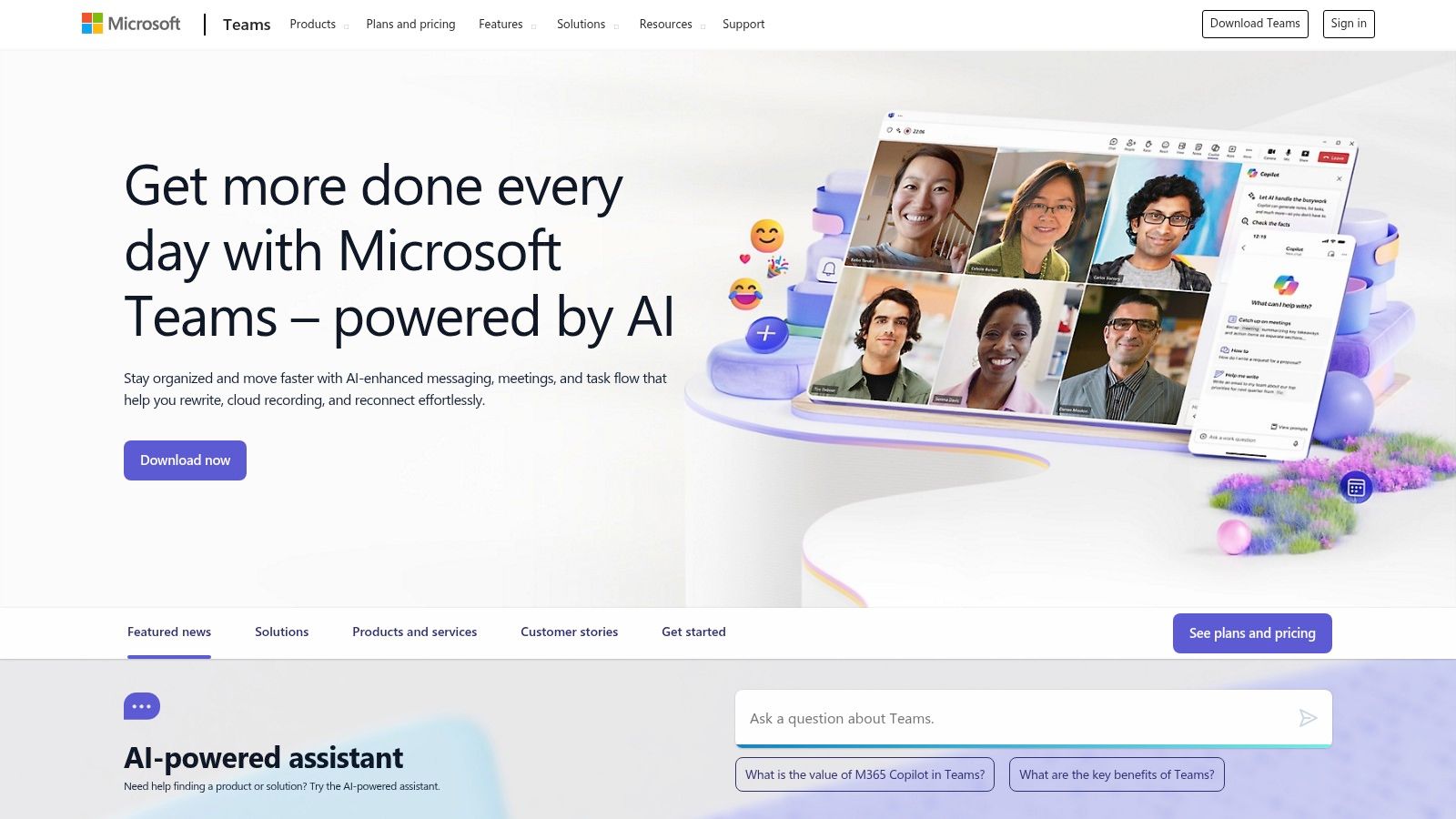
Where it shines is its native integration with SharePoint and OneDrive for file storage, which happens automatically behind every team and channel. This makes document collaboration seamless, particularly for businesses in regulated industries that need strong compliance and data governance. As a communication tool for remote teams, it consolidates what would otherwise be multiple disparate applications into one interface.
Key Features & Considerations
- Pricing: A free version is available. Paid plans are typically included with Microsoft 365 Business and Enterprise subscriptions. Teams Essentials is a standalone option for small businesses that provides longer meetings and more storage than the free tier.
- Best For: Enterprises and SMBs already invested in the Microsoft 365 suite. Its mature telephony add-ons, like Teams Phone, are also ideal for companies needing a complete VoIP phone system integrated with their chat platform.
- Adoption Tip: The experience can feel heavy if you only need basic chat. To maximize its value, lean into the file and app integrations. For example, you can connect Outlook for calendar management and even use an AI email assistant like Draftery to manage communications that originate outside of Teams, keeping your entire workflow connected.
| Pros | Cons |
|---|---|
| One contract/vendor for chat, meetings, email, and files. | Can feel heavy for teams that only want chat. |
| Strong compliance and security posture for regulated orgs. | Best experience assumes broader Microsoft 365 adoption. |
| Mature telephony options (Teams Phone). | Interface can be less intuitive than some competitors. |
Website: https://www.microsoft.com/microsoft-teams
4. Google Workspace communications (Google Chat + Google Meet)
For teams already embedded in the Google ecosystem, Google Workspace offers a native and deeply integrated solution for communication. Its strength is its unity; Google Chat and Google Meet work directly within the Gmail and Google Calendar interfaces, eliminating the need to switch between applications for core tasks. By keeping conversations and video calls connected to documents and calendars, it presents itself as one of the most efficient communication tools for remote teams that value a single, unified stack.

The suite provides a straightforward experience for both real-time and asynchronous collaboration. Chat Spaces function like channels, complete with threads and task assignments, while Google Meet handles video conferencing with features like noise cancellation and meeting recordings on eligible plans. The seamless connection to Gmail means you can start a chat or video call directly from an email thread, which is a significant time-saver.
Key Features & Considerations
- Pricing: A free version of Google Meet is available with a basic Google account. Paid Google Workspace plans (starting with Business Starter) unlock longer meeting durations, more participants, advanced features, and full integration with Chat, Drive, and other business tools.
- Best For: Teams heavily invested in the Google ecosystem (Gmail, Drive, Calendar) looking for a cost-effective, all-in-one solution. The direct integration reduces context switching, especially for managing email communications. For those looking to master their inbox first, reviewing email management best practices can make the transition to this integrated system even smoother.
- Adoption Tip: Encourage your team to use the "Start a chat" or "Create a meeting" function directly from Gmail and Calendar to build muscle memory. Configure Chat Spaces for specific projects and use the integrated Tasks feature to track action items that arise from discussions.
| Pros | Cons |
|---|---|
| Seamless Gmail/Calendar/Drive integration. | Advanced Meet features require Business/Enterprise tiers. |
| Simple browser-first experience reduces setup. | Chat has fewer third-party integrations than Slack. |
| Free Meet available for basic use. | Interface can feel less modern than some competitors. |
Website: https://workspace.google.com/pricing
5. Zoom
Zoom became a household name for a reason: it delivers incredibly reliable and high-quality video meetings. For remote teams, it serves as the go-to platform for synchronous communication, especially for formal meetings, client calls, and large-scale webinars where stability is paramount. Its strength lies in its simplicity and the near-universal familiarity among users, making it one of the easiest communication tools for remote teams when connecting with external partners.

While known for video, Zoom has expanded into a more unified platform with Zoom Team Chat and Zoom Phone, aiming to consolidate team interactions. However, its core value remains its robust video conferencing capabilities. Features like Breakout Rooms are perfect for splitting large groups into smaller discussion sessions, and the platform’s extensive recording and transcription options help document important conversations for team members in different time zones.
Key Features & Considerations
- Pricing: A generous free plan allows for unlimited one-on-one meetings but caps group meetings at 40 minutes. Paid plans (Pro, Business, Enterprise) remove this time limit and add features like cloud recording, reporting, and administrative controls.
- Best For: Teams that prioritize high-quality, stable video calls and frequently meet with external clients or partners. It’s the safe bet when you need the meeting link to "just work" for everyone, regardless of their technical know-how.
- Adoption Tip: To avoid "Zoom fatigue," set clear agendas for every meeting and encourage camera-off time when appropriate. Explore the advanced host controls to manage participants, polls, and Q&A sessions effectively during larger presentations to keep the meeting focused and engaging.
| Pros | Cons |
|---|---|
| Best-in-class audio/video stability at scale. | Free plan's 40-minute cap forces upgrades for regular use. |
| Easy for external guests to join with no account. | Product suite (Meetings, Phone, Chat) can feel fragmented. |
| Familiar interface with very little learning needed. | Chat and other features are less mature than dedicated tools. |
Website: https://zoom.us/pricing
6. Webex by Cisco
Webex by Cisco is an enterprise-grade solution that bundles meetings, messaging, and calling into one secure platform. It has long been a staple in corporate environments, known for its robust security and compliance features, making it one of the most trusted communication tools for remote teams in regulated industries. Its strength lies in providing a unified, all-in-one suite that can replace several disparate applications.

The platform delivers a comprehensive experience covering video conferencing with interactive elements like Slido for polls and Q&A, persistent team messaging, and cloud-based calling. Recent updates have focused on modernizing the user interface and adding an AI Assistant to automate meeting summaries and action items, which helps teams stay aligned after a call.
Key Features & Considerations
- Pricing: Webex has a generous free plan allowing meetings up to 40 minutes with 100 attendees and unlimited messaging. Paid plans (Meet, Suite, Enterprise) increase meeting durations, participant caps, and add features like cloud recordings and advanced analytics.
- Best For: Organizations prioritizing security, compliance (including FedRAMP on select plans), and an all-in-one tool. It’s ideal for companies that need a single vendor for meetings, chat, and phone systems and require mature administrative controls.
- Adoption Tip: Take time to explore the settings, especially for external collaboration, to ensure a smooth guest experience. Encourage teams to use the messaging spaces for pre-meeting agendas and post-meeting follow-ups to keep all project-related communication in one place.
| Pros | Cons |
|---|---|
| Strong security and compliance focus. | Interface can feel more complex than competitors. |
| Integrated suite for meetings, message, and call. | Guest experience can have more friction than alternatives. |
| Mature administrative and management tools. | Some advanced AI features are on higher-tier plans. |
Website: https://pricing.webex.com
7. Discord
While often associated with gaming communities, Discord has proven to be a uniquely effective and free-first choice among communication tools for remote teams, especially those in engineering, design, or community management. Its core strength lies in persistent, real-time voice and text channels that operate like always-on virtual rooms, allowing for effortless, spontaneous collaboration without scheduling a formal meeting.
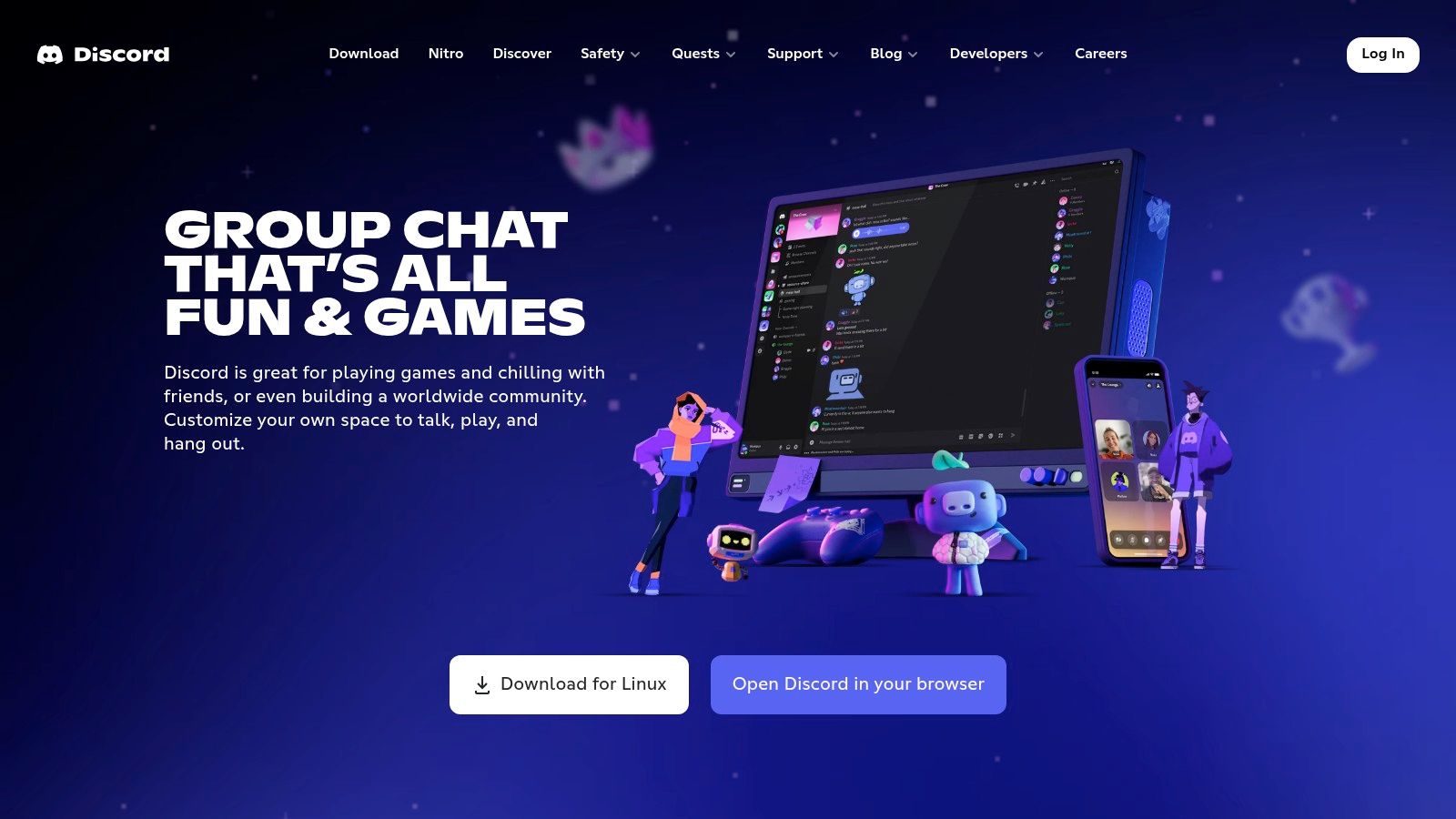
The platform organizes work into "servers" that contain both text and voice channels. Features like Forum channels create structured, topic-centric spaces for asynchronous discussions, preventing important conversations from getting lost in a fast-moving chat feed. This blend of instant voice access and organized text makes it a powerful hybrid tool for teams that value both quick syncs and documented conversations.
Key Features & Considerations
- Pricing: Discord is fundamentally free, with its core communication features available to all users. Optional Nitro subscriptions ($2.99/mo) offer perks like larger file uploads and custom emojis but are not required for team functionality.
- Best For: Engineering, creative, or support teams that thrive on ad-hoc voice collaboration and need a space for both internal work and external community engagement. Its permission system is robust enough to manage different access levels within one server.
- Adoption Tip: Overcome the "gaming app" perception by creating a professionally structured server with clear channel naming conventions (e.g.,
#project-alpha,#design-reviews,#general-voice). Use Forum channels for asynchronous topics like bug reports or feature requests to keep general chat channels clear for immediate discussion.
| Pros | Cons |
|---|---|
| Excellent 'drop-in' voice experience for ad-hoc syncs. | Perception as a consumer/gaming app can be a hurdle. |
| Strong community tools for external or customer spaces. | Limited enterprise compliance features versus Slack/Teams. |
| Generous free model with all core features included. | Interface can feel less formal than corporate alternatives. |
Website: https://discord.com
8. Mattermost
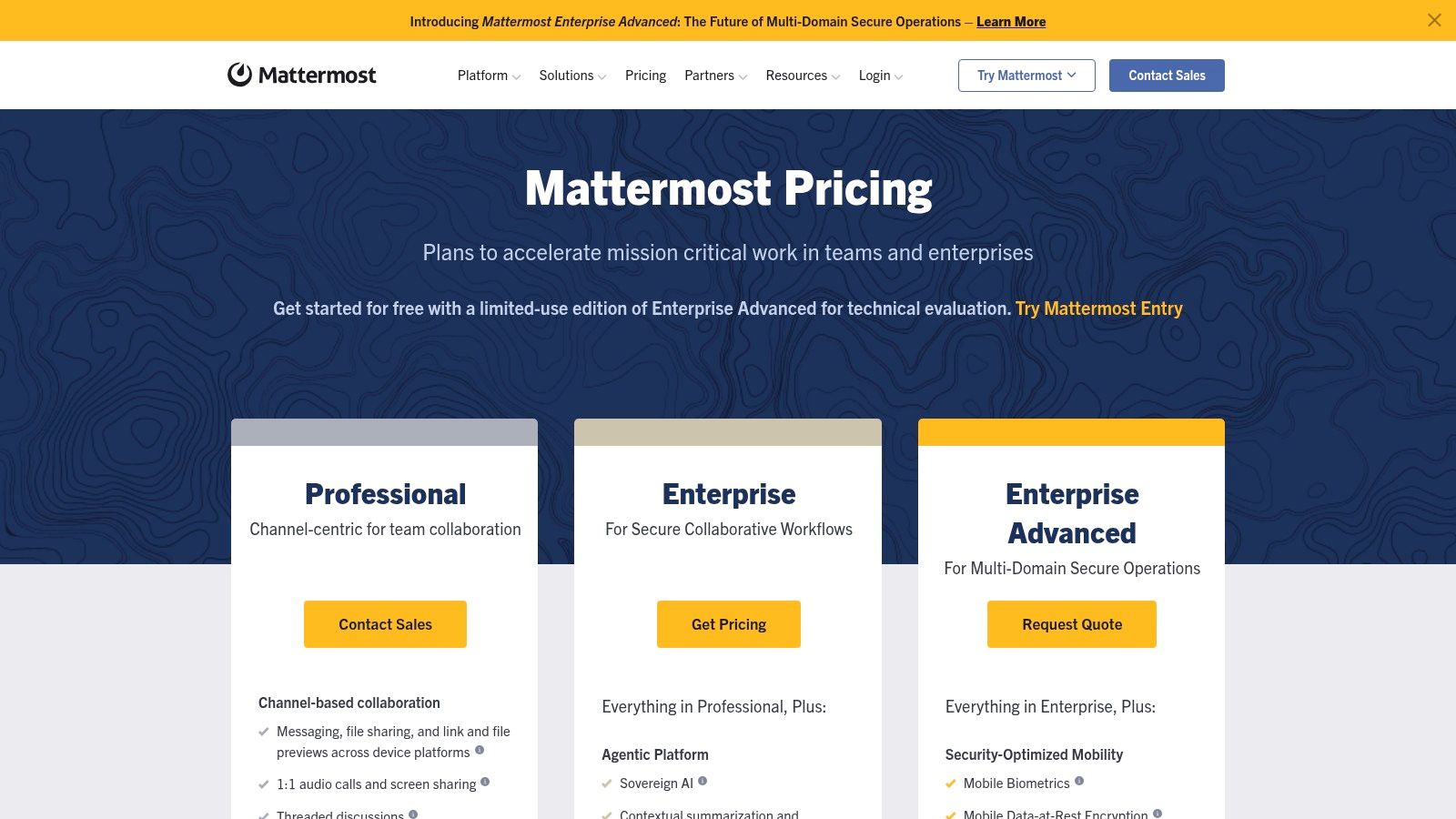
Mattermost is an open-source, channel-based messaging platform designed for organizations with strict security and data control requirements. Its primary advantage is deployment flexibility, offering self-hosted, air-gapped, and sovereign cloud options. This makes it one of the essential communication tools for remote teams in regulated industries like government, defense, and finance, where data privacy is non-negotiable.
Functionally similar to Slack, it provides channels, threads, file sharing, and basic audio calls. The platform's real power comes from its extensibility and control, allowing technical teams to customize workflows and integrations to meet precise operational needs. It is purpose-built for secure DevOps and technical collaboration, with deep integrations for tools like Jira, GitHub, and GitLab.
Key Features & Considerations
- Pricing: Mattermost offers a free self-hosted edition for small teams. Paid Professional and Enterprise plans are quote-based and unlock advanced features like compliance exports, high availability, and premium support.
- Best For: Teams that require absolute control over their data or operate in highly regulated, air-gapped environments. Its focus on DevOps and SecOps makes it a strong choice for technical organizations that need a secure, customizable hub.
- Adoption Tip: The primary challenge is operational. Self-hosting requires dedicated IT resources for setup, maintenance, and security patching. Before committing, evaluate whether your team has the technical capacity to manage the infrastructure or if a commercial plan is more suitable.
| Pros | Cons |
|---|---|
| Full data control with on-premise and private cloud deployment. | Self-hosting adds significant operational overhead. |
| Extensible and customizable due to its open-source foundation. | User interface and app ecosystem are less polished than Slack. |
| Aligns with strict security and compliance mandates (e.g., HIPAA). | Commercial pricing is quote-based and not transparent. |
Website: https://mattermost.com/pricing
9. Rocket.Chat
Rocket.Chat is an open-source team communication platform built for organizations with strict data security and privacy requirements. It stands out by offering self-managed deployment options, including on-premises, private cloud, or even fully air-gapped environments. This level of control makes it one of the essential communication tools for remote teams in sectors like government, defense, and finance where data sovereignty is non-negotiable.

The platform provides a familiar chat experience with channels, direct messages, and threads, but with a deep focus on governance. Features like message lifecycle controls and detailed audit logs give administrators granular command over communications. Its ability to federate allows separate, secure Rocket.Chat instances to communicate with each other, a critical feature for inter-agency or B2B collaboration without compromising security boundaries.
Key Features & Considerations
- Pricing: A community edition is available for free. Paid enterprise plans are quoted through sales and include mission-critical support, long-term support (LTS) releases, and advanced security features. A cloud-hosted SaaS version is also available with tiered pricing.
- Best For: Highly regulated industries or large enterprises needing complete control over their data and communication infrastructure. It's a strong choice for teams that must adhere to specific data residency laws or operate within restricted networks.
- Adoption Tip: Successfully deploying Rocket.Chat, especially on-premise, requires dedicated IT resources. Plan for the technical overhead of server management, updates, and security patching. The platform is powerful, but its strength lies in its configurability, which demands a more hands-on administrative approach than typical SaaS tools.
| Pros | Cons |
|---|---|
| Strong governance and security for restricted networks. | Sales-led pricing for enterprise lacks SaaS transparency. |
| Flexible deployment (on-prem, cloud, air-gapped). | Smaller app ecosystem compared to Slack or Teams. |
| Federation allows secure chat between different orgs. | Requires more technical expertise for self-hosted setup. |
Website: https://www.rocket.chat/pricing
10. Twist (by Doist)
Twist is an asynchronous-first communication app from the makers of Todoist, designed for teams that want to prioritize deep work over constant chatter. It organizes conversations into clear, topic-based threads from the start, avoiding the unstructured noise common in other chat tools. For global teams working across different time zones, Twist is one of the most effective communication tools for remote teams because it eliminates the pressure to be online at all times.

The platform is built around a "thread-first" model, where every conversation must have a subject line, much like an email. This structure ensures discussions stay focused and makes past decisions or context easy to find later. While it deliberately omits presence indicators and real-time typing notifications, it includes a separate, simple Messages feature for quick, direct chats when a thread isn't necessary.
Key Features & Considerations
- Pricing: Twist offers a generous free plan that includes one month of searchable history. The Unlimited plan unlocks the full message history and file storage for a simple flat fee per user.
- Best For: Fully distributed teams that struggle with "chat fatigue" and want to build a calm, organized knowledge base. It pairs well with other tools; for instance, you could use an AI email assistant like Draftery to manage external client communication while keeping internal project discussions documented neatly in Twist.
- Adoption Tip: Your team must fully commit to the async mindset. Set expectations that immediate responses are not the norm. Encourage descriptive thread titles to make the workspace easily searchable and useful as a long-term repository of company knowledge.
| Pros | Cons |
|---|---|
| Thread-first model promotes organized conversations. | Lacks the breadth of integrations found in competitors. |
| Reduces the pressure of "always-on" chat culture. | Some teams may still require a separate tool for live meetings. |
| Creates a searchable, long-term knowledge base. | Adoption can be difficult for teams used to real-time chat. |
Website: https://twist.com/pricing
11. Loom
Loom is an asynchronous video messaging tool that cuts down on meetings by allowing users to record their screen, camera, or both. It helps remote teams deliver context-rich communication across time zones, replacing long email threads and status updates with quick, shareable videos. By capturing tone, expression, and on-screen actions, it stands out as one of the most personal and efficient communication tools for remote teams aiming to reduce meeting fatigue.

The platform is built for speed and clarity. One-click recording creates an instantly shareable link, allowing viewers to comment and react directly on the video timeline. This makes it perfect for code reviews, design feedback, and bug reports. With automatic transcripts and captions available in over 50 languages, the information becomes accessible and searchable, bridging language barriers and making content easy to scan.
Key Features & Considerations
- Pricing: Loom has a free Starter plan with a 25-video limit per person and a 5-minute recording cap. The Business plan unlocks unlimited videos and length, plus custom branding. Business + AI plans add AI-powered summaries, titles, and chapters.
- Best For: Teams that need to explain complex processes or provide detailed feedback without scheduling a live call. It works exceptionally well alongside tools like Slack or an AI email assistant, where a Loom link can be dropped into a message or email draft to provide clear, visual context.
- Adoption Tip: Encourage your team to use Loom for any communication that would typically take more than a few sentences to write out. Establish clear naming conventions and organize videos into shared team folders to build a searchable library of walkthroughs and tutorials.
| Pros | Cons |
|---|---|
| Reduces meeting load and captures tone better than text. | Not a full communication suite; complements other tools. |
| Easy for external clients and stakeholders to use. | Heavy use requires good library hygiene and permissions management. |
| AI features on paid plans auto-summarize content. | Free plan is quite limited in video count and recording length. |
Website: https://www.loom.com/pricing
12. RingCentral (RingEX)
RingCentral (RingEX) is a unified communications platform that excels by integrating business telephony directly with messaging and video. Its primary strength is providing a single application for phone calls, SMS, team chat, and meetings, making it an ideal solution for customer-facing teams in sales, support, and operations that need all these functions in one cohesive stack. By combining a robust cloud phone system with modern team collaboration features, it stands out among communication tools for remote teams that rely heavily on external contact.

The platform allows users to fluidly switch between communication modes, for instance, turning a chat message into a phone call with a single click. This seamless transition is a core benefit for fast-paced environments. Ongoing AI enhancements are being integrated across all modalities, providing features like automated meeting notes, conversation insights, and summaries to reduce manual work and improve productivity for distributed teams.
Key Features & Considerations
- Pricing: RingEX offers several tiers (Core, Advanced, Ultra), with pricing based on the number of users and feature sets. The Ultra plan includes unlimited storage and device analytics. Pricing can feel complex and is often quote-based for larger teams.
- Best For: Sales, support, and operations teams that need a professional phone system (including SMS/MMS) integrated with their internal messaging and video tools. The wide range of integrations connects well with CRMs and other business software.
- Adoption Tip: Fully map out your call-flow and external communication needs before implementation. Define which teams require phone numbers and SMS capabilities versus those who only need internal messaging to select the right plan and avoid paying for unnecessary features.
| Pros | Cons |
|---|---|
| Robust telephony and SMS alongside team messaging. | Pricing can be complex and is often quote-based. |
| Single app for calls, video, and chat simplifies workflows. | A heavier solution if you don't need phone/SMS capabilities. |
| Broad integrations are suitable for sales and support. | The interface can feel busy compared to simpler chat tools. |
Website: https://www.ringcentral.com
Top 12 Remote Team Communication Tools Comparison
| Product | Core features | UX / Quality | Value & Price | Target audience | Unique selling point |
|---|---|---|---|---|---|
| Draftery 🏆 | Gmail auto-drafts; per-recipient style learning; threaded drafts in Gmail | ★★★★☆ (personalized) | 💰 $19/mo Std · $39/mo Pro · 7‑day free trial | 👥 Founders · consultants · execs · freelancers | ✨ Per-recipient voice matching; privacy-first; founder-built |
| Slack | Channels, threads, integrations, Huddles | ★★★★★ | 💰 Free + paid per-seat plans | 👥 Cross-functional teams & startups | ✨ Huge app ecosystem; async+quick-sync hub |
| Microsoft Teams | Chat, meetings, calling, SharePoint/OneDrive integration | ★★★★ | 💰 Included in M365 / paid tiers | 👥 Enterprises & Microsoft-first orgs | ✨ Deep M365 & telephony integration |
| Google Workspace (Chat + Meet) | Spaces, threads, Meet video, Gmail/Drive tie-ins | ★★★★ | 💰 Workspace plans; Meet free basics | 👥 Google-native teams | ✨ Seamless Gmail/Calendar/Drive workflow |
| Zoom | Video meetings, breakout rooms, webinar & phone add-ons | ★★★★★ | 💰 Free (40-min) · paid for longer/advanced | 👥 External-facing meetings & events | ✨ Best-in-class AV reliability; easy guest join |
| Webex by Cisco | Meetings, messaging, calling; strong compliance options | ★★★ | 💰 Free + enterprise tiers | 👥 Regulated enterprises | ✨ FedRAMP/compliance & enterprise admin tools |
| Discord | Voice channels, text/forums, threads; always-on rooms | ★★★★ | 💰 Free-first; Nitro upgrades | 👥 Engineering teams · communities · support | ✨ Low-friction drop-in voice & community features |
| Mattermost | Open-source Slack-style chat; on-prem & air-gapped options | ★★★★ | 💰 Self-host or quote-based commercial tiers | 👥 Security-sensitive / regulated orgs | ✨ Full data control; customizable & extensible |
| Rocket.Chat | Secure self-managed chat, federation, auditability | ★★★★ | 💰 Hosted or self-hosted (sales-led) | 👥 Government · defense · large enterprises | ✨ Federation + data sovereignty controls |
| Twist (by Doist) | Thread-first async communication, topic organization | ★★★★ | 💰 Free + paid unlimited history | 👥 Remote teams optimizing deep work | ✨ Reduces noise; preserves long-form knowledge |
| Loom | One-click async video/screen recording; transcripts & AI | ★★★★ | 💰 Free + Business/Enterprise (AI features) | 👥 Product teams · creators · clients | ✨ Async video for context + AI summaries |
| RingCentral (RingEX) | Messaging, meetings, cloud phone, programmable SMS | ★★★ | 💰 Quote-based / per-user tiers | 👥 Sales · support · customer-facing teams | ✨ Robust telephony + SMS in unified app |
Building a Cohesive and Productive Remote Communication System
Navigating the extensive market for communication tools for remote teams can feel like a monumental task. We've explored a dozen powerful options, from synchronous chat hubs like Slack and Microsoft Teams to asynchronous video messengers like Loom and specialized email workflow assistants like Draftery. The key takeaway is not that one tool will solve all your problems, but that building a thoughtful, integrated system will. The most effective remote teams don't just adopt technology; they establish clear principles for how and when to use it.
The perfect remote communication stack is a personalized combination that respects your team's time, workflows, and focus. It’s not about having more tools, but about having the right ones working together. Your goal is to create a digital environment where information flows freely without becoming a constant source of distraction. This requires a strategic blend of real-time and asynchronous communication, allowing for both immediate collaboration and deep, uninterrupted work.
From Tools to a True System
Think of your tool selection as building a communication ecosystem. A solid foundation often includes three core components:
- A Central Hub for Real-Time Chat: This is your virtual office floor. Platforms like Slack, Microsoft Teams, or even Discord serve as the primary space for quick questions, team-wide announcements, and building social connections. The key is to establish strict channel etiquette to prevent a constant stream of notifications.
- A Dependable Video Conferencing Solution: For scheduled meetings, one-on-one check-ins, and complex discussions, a reliable video tool is essential. Zoom, Google Meet, and Webex are industry standards for a reason, offering stability and features that make virtual face-to-face interaction feel more natural.
- An Asynchronous Workhorse: This is arguably the most critical component for preventing burnout and promoting focus. Asynchronous tools allow communication to happen on each person's own schedule. Loom excels for video walkthroughs and feedback, while a tool like Draftery addresses one of the biggest time sinks in any organization: email.
By automating routine email replies and drafting personalized responses in your own voice, Draftery tackles the high-volume, low-impact communication that often fragments a manager's or a founder's day. Reclaiming those hours from the inbox directly translates into more time for strategic planning, team mentorship, and high-impact work that moves the needle.
Your Next Steps: A Practical Checklist
Feeling ready to build or refine your stack? Here is an actionable path forward:
- Audit Your Current Setup: What are you using now? Identify pain points like excessive notifications, time wasted in meetings that could have been an email, or information getting lost between platforms.
- Define Your Communication Principles: Create a simple document outlining when to use which tool. For example: Use chat for urgent questions, use async video for project updates, and reserve video meetings for strategic discussions.
- Start Small and Iterate: You don't need to implement everything at once. Introduce one new tool to solve a specific problem. For example, if email is a major bottleneck, start there.
- Gather Team Feedback: The best system is one your team will actually use. After a trial period, ask your team what's working and what isn't. Be prepared to adjust based on their real-world experience.
Ultimately, the best communication tools for remote teams are the ones that fade into the background, empowering your people to connect, collaborate, and produce their best work from anywhere. The goal is to build a system that feels supportive, not restrictive; a system that clarifies communication, reduces noise, and gives everyone more time to focus on what truly matters.
Ready to reclaim hours from your inbox and focus on more meaningful work? Draftery acts as your personal AI email assistant, learning your style to automate replies and draft messages in your authentic voice. See how it fits into your communication stack by visiting Draftery and start spending less time on email today.