The 12 Best Gmail Productivity Tools to Reclaim Your Inbox in 2026

Email is a constant. For founders, consultants, and busy professionals, it’s the central nervous system of business, but it’s also a relentless time sink. The average professional loses over 250 hours a year to their inbox-that’s more than six full workweeks. But what if you could reclaim that time? What if you could automate the tedious parts of email without losing your personal touch? This is where Gmail productivity tools come in.
These tools aren't just about speed; they're about strategic advantage. From AI assistants that draft replies in your authentic voice to CRMs that live inside your inbox, the right application can turn email from a daily chore into a powerful engine for growth.
This guide cuts through the noise to bring you the 12 best Gmail productivity tools, categorized to help you find the perfect fit for your workflow. We'll go beyond feature lists, offering real-world use cases, honest pros and cons, and practical advice to help you choose wisely. Each review includes direct links and screenshots to give you a clear picture of how these platforms work, so you can stop drowning in emails and start making them work for you.
1. Draftery
Draftery stands out among Gmail productivity tools for its remarkable ability to generate AI-drafted replies that genuinely sound like you. This AI email assistant operates directly within your Gmail, reading new messages and creating ready-to-review drafts by analyzing your past sent emails. It often has a reply waiting before you even open the conversation, saving significant time.
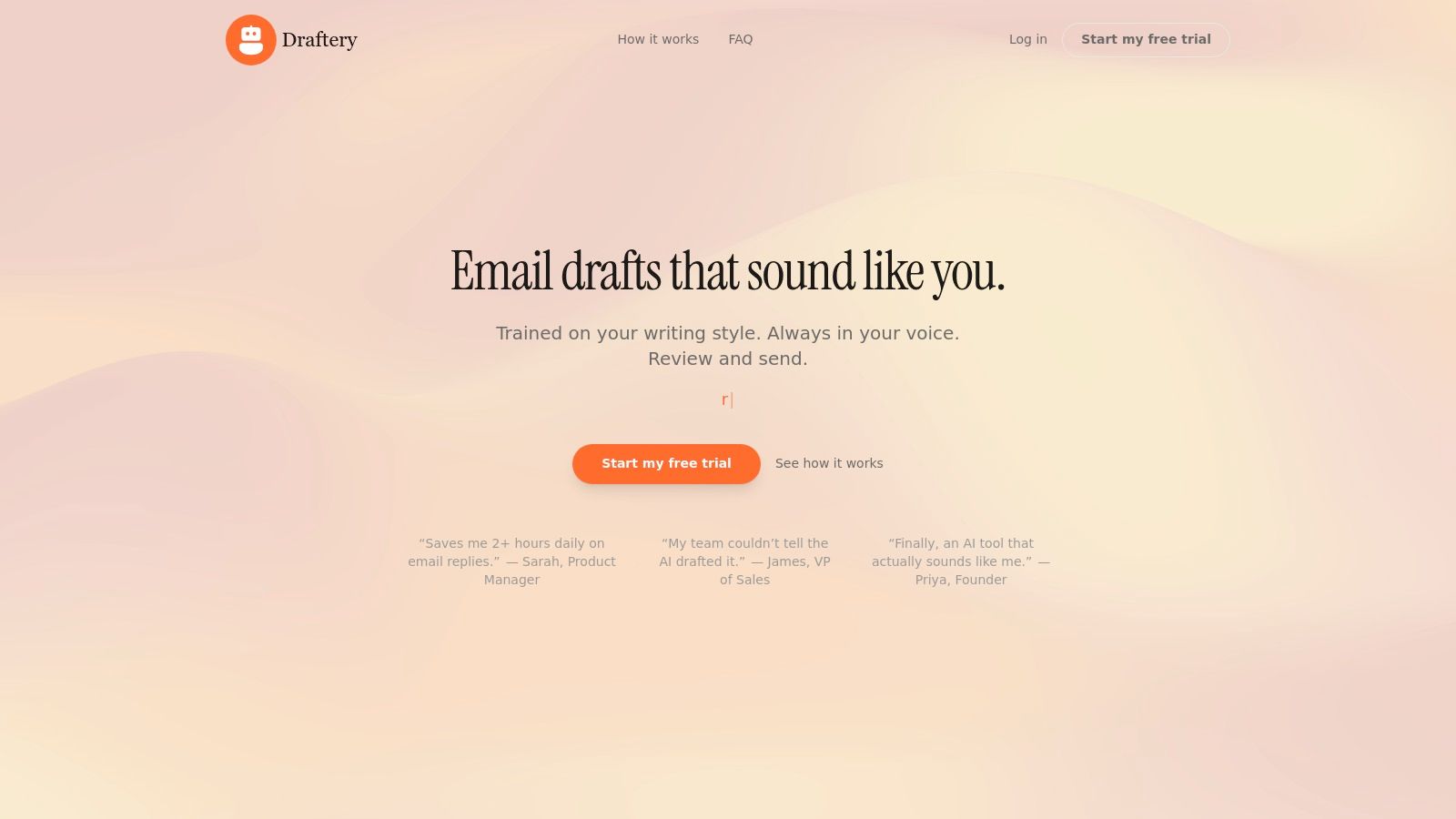
Its core strength is the per-recipient voice matching. Draftery builds separate style profiles for each contact, so a draft for your CEO is appropriately formal while a message to a teammate is more casual. This feature eliminates the generic feel of many AI tools and reduces the need for heavy editing. Privacy is also a top priority; the tool has read-only access, never sends emails for you, and uses encrypted, SOC 2 compliant servers.
Draftery is an excellent choice for founders, executives, and consultants whose tone directly influences business outcomes. By learning your vocabulary, formality, and even emoji use, it preserves your authentic voice.
Our Take: For professionals who live in Gmail and need to reclaim hours without sacrificing their personal touch, Draftery is a powerful, privacy-first solution. Its ability to adapt its tone to different recipients is a significant advantage over other AI assistants.
Key Features:
- Per-Recipient Voice Matching: Creates distinct style profiles for each contact, ensuring replies are always contextually appropriate.
- Proactive Draft Generation: Automatically prepares drafts in your Gmail, often before you read the incoming email.
- Privacy-First Design: Read-only access, GDPR-friendly, and your data is never used for external model training.
- Continuous Learning: Improves its accuracy with every email you edit, send, or delete, refining your voice profiles over time.
Ideal User:
- Busy professionals (founders, executives, consultants) who handle high email volumes.
- Anyone who needs to maintain a consistent, personalized tone in their communications.
Pricing:
- Standard: $19/month for unlimited drafts and style analysis.
- Pro: $39/month for priority generation and advanced controls.
- Offers a 7-day free trial with no credit card and a 20% discount for annual plans.
Pros & Cons:
| Pros | Cons |
|---|---|
| Adapts message tone by contact for authentic replies. | Gmail-only; no support for Outlook or other email clients. |
| Saves users hours each day by preparing drafts in advance. | Requires a brief learning period to master your style, especially with a limited email history. |
| Strong privacy and security commitments. | |
| Simple, one-click integration and setup. | |
| Includes free resources like an Email Tone Analyzer and professional templates. For more details on what makes a good AI email assistant, you can explore their guides. |
Website: https://draftery.ai
2. Superhuman Mail
Superhuman is a premium email client designed from the ground up for speed. It reimagines the Gmail interface as a command-based, keyboard-centric tool for professionals who live in their inbox. The core idea is to help you process high volumes of email with minimal friction, treating your inbox like a task list to be cleared. Its standout feature, Split Inbox, lets you create custom, prioritized feeds (e.g., "VIPs," "Newsletters," "Team Updates"), so you can tackle what's most important first.
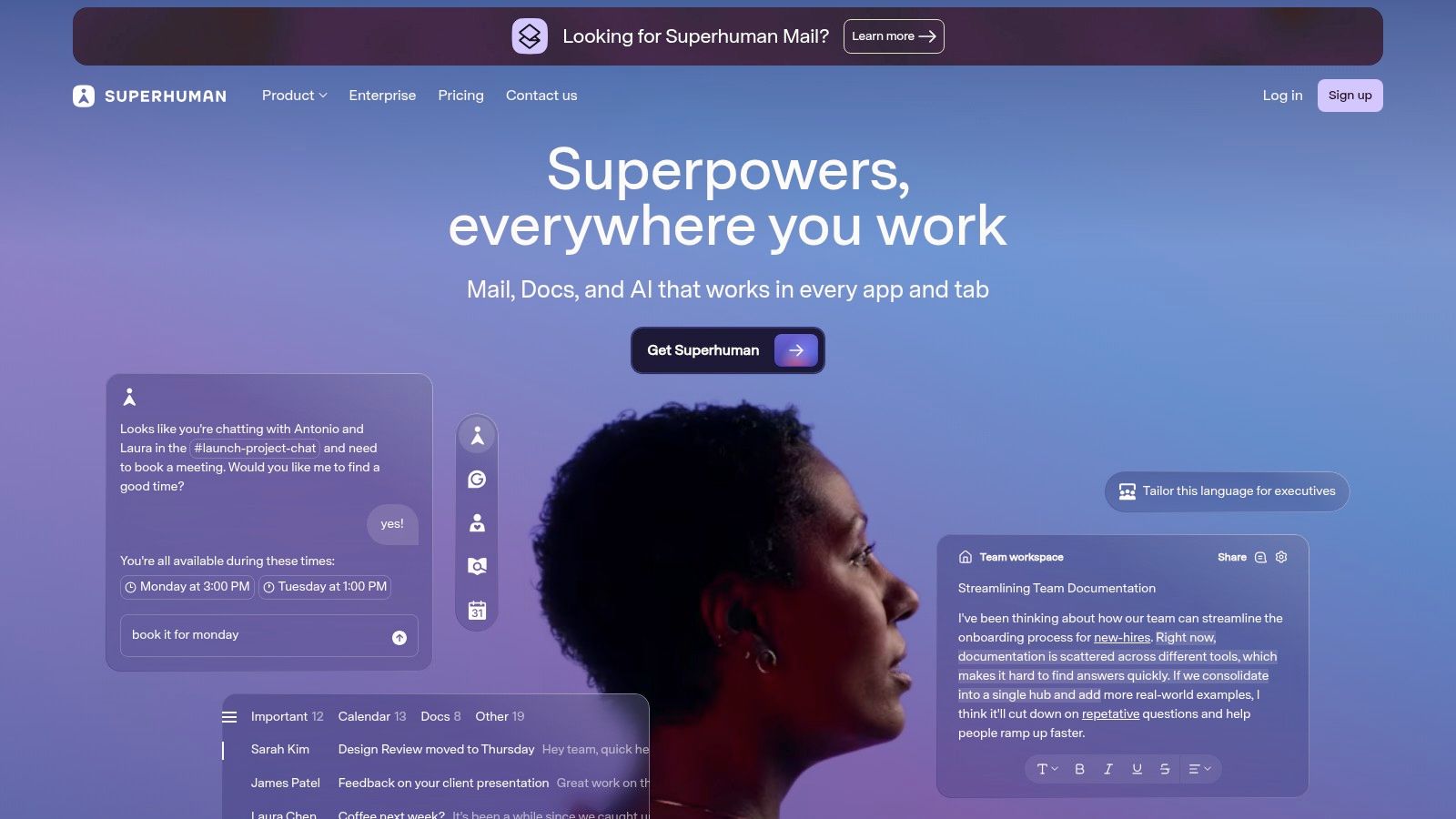
This platform stands apart from other Gmail productivity tools with its opinionated workflow. Superhuman encourages users to adopt its system of shortcuts and triage methods, which includes a mandatory 1:1 onboarding session to teach you the ropes. Integrated AI helps you rewrite emails for tone and clarity, much like a dedicated AI email writer, and can even auto-summarize long threads.
While the steep $30/month price point and learning curve can be a barrier, those who commit often report getting through their inbox twice as fast.
Pros & Cons
Pros:
- Blazing-fast UI: Instantly loads and responds to commands.
- Powerful Workflows: Split Inbox and keyboard shortcuts dramatically reduce processing time.
- Team-Friendly: Good administrative controls for deploying across an organization.
Cons:
- Premium Cost: Significantly more expensive than free or low-cost clients.
- Learning Curve: Requires adopting its specific methods to see the full benefit.
Website: https://superhuman.com
3. Shortwave
Shortwave is a modern Gmail client built by an ex-Gmail team that organizes your inbox into a chat-like, manageable feed. It focuses on rapid triage and AI-powered assistance, bundling related emails into conversations and allowing you to snooze, pin, or clear them with a single click. The core idea is to help you focus on what's important now by using AI summaries and intelligent sorting, making it one of the most intuitive Gmail productivity tools for team collaboration.

This platform stands out with its seamless integration of AI directly into your workflow. Instant summaries appear at the top of long threads, and an AI-assisted composer helps you draft replies quickly. A key differentiator is its powerful AI search, which can query your entire message history to find information that a standard search might miss. While the free plan is generous, it includes "Sent with Shortwave" branding, and advanced features like unlimited AI search are reserved for paid tiers.
The Pro and Business plans add multi-account support and enhanced team features, making it a strong contender for organizations seeking to improve email efficiency.
Pros & Cons
Pros:
- Intuitive UI: The chat-like interface and bundling system are easy to learn and use.
- Strong AI Features: Instant summaries and AI search significantly speed up information retrieval.
- Rapid Triage: Designed for quickly clearing newsletters and low-priority messages.
Cons:
- Branding on Free Plan: The "Sent with Shortwave" signature is a notable downside for professional use.
- Gated AI Features: The most powerful AI tools require a paid subscription.
Website: https://www.shortwave.com
4. Boomerang for Gmail
Boomerang is a long-standing Gmail add-on that brings essential scheduling and reminder features directly into your inbox. It's designed to give you more control over when you send and receive emails, helping you manage communication across different time zones and ensure important conversations don't fall through the cracks. Core functions include scheduling emails to send later, setting follow-up reminders if you don't get a reply, and pausing your inbox to focus on deep work.
What makes this platform a consistent favorite among Gmail productivity tools is its simplicity and reliability. Rather than overhauling your entire workflow, it adds proven “safety net” features that feel native to Gmail. Its Respondable feature even provides real-time feedback on your writing to predict the likelihood of a reply, helping you craft more effective messages. While it's great for individual use, users seeking more advanced automation or a library of pre-written responses might find better options in dedicated email templates.
The tool is a trusted choice for professionals who need to manage follow-ups and out-of-office communication without a complex new system.
Pros & Cons
Pros:
- Easy Implementation: Simple to add and use within the native Gmail interface.
- Reliable Features: Longstanding reputation for dependable send-later and reminder functions.
- Inbox Pause: Helps create focused work blocks by temporarily stopping incoming mail.
Cons:
- Individual Focus: The feature set is better suited for individual users than team-wide automation.
- Limited Analytics: Lacks the deeper analytics and template management of other tools.
Website: https://www.boomeranggmail.com
5. Mixmax
Mixmax is a sales-engagement suite built directly into Gmail, designed for professionals who manage outreach and relationships from their inbox. It combines email tracking, automated follow-up sequences, and one-click meeting scheduling into a single powerful tool. This platform is ideal for account executives, recruiters, and founders who need to run multi-step campaigns without leaving their email client. Key features include creating automated sequences with personalized follow-ups and embedding calendar polls directly into an email.
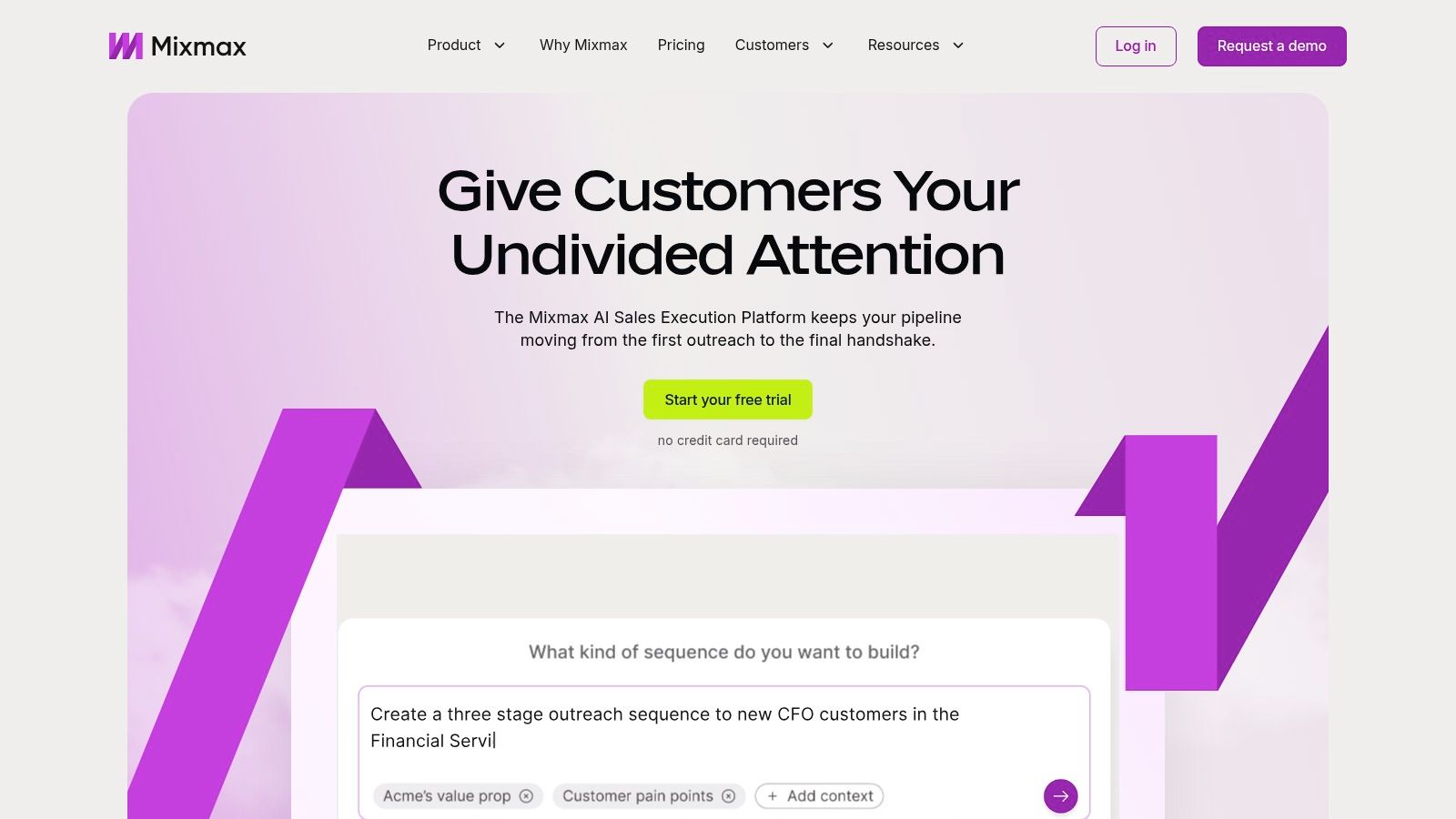
What sets Mixmax apart from other Gmail productivity tools is its focus on the entire sales and outreach lifecycle. The platform integrates deeply with CRMs like Salesforce and HubSpot on certain plans, syncing activities automatically and enriching contact data. It also includes AI Compose to help draft messages and a Smart Send feature that suggests the best time to send an email for maximum engagement. While its power is most apparent when paired with a CRM, it offers a robust set of features for individuals as well.
Pros & Cons
Pros:
- All-in-One Tool: Strong combination of sales engagement, calendar, and templates in one place.
- Scalable: Good for solo users and scales effectively for teams with shared analytics.
- Deep Integration: Works seamlessly inside the native Gmail interface.
Cons:
- CRM-Dependent: The best value is realized when paired with a CRM; otherwise, some features are underused.
- Tiered Features: Automated sequences and CRM sync are only available on mid to high-tier plans.
Website: https://www.mixmax.com
6. Streak CRM for Gmail
Streak is a flexible CRM that operates entirely inside your Gmail inbox, turning it into a powerful tool for managing relationships and workflows. It lets you track pipelines for sales, hiring, support tickets, or any other process directly alongside your email threads. Instead of switching between your inbox and a separate CRM, Streak embeds colored labels and data fields into the Gmail interface, keeping all your context in one place. Its core feature is the "Box," which represents a single entry in a pipeline (like a sales lead or a job candidate) and contains all related emails, files, and data.
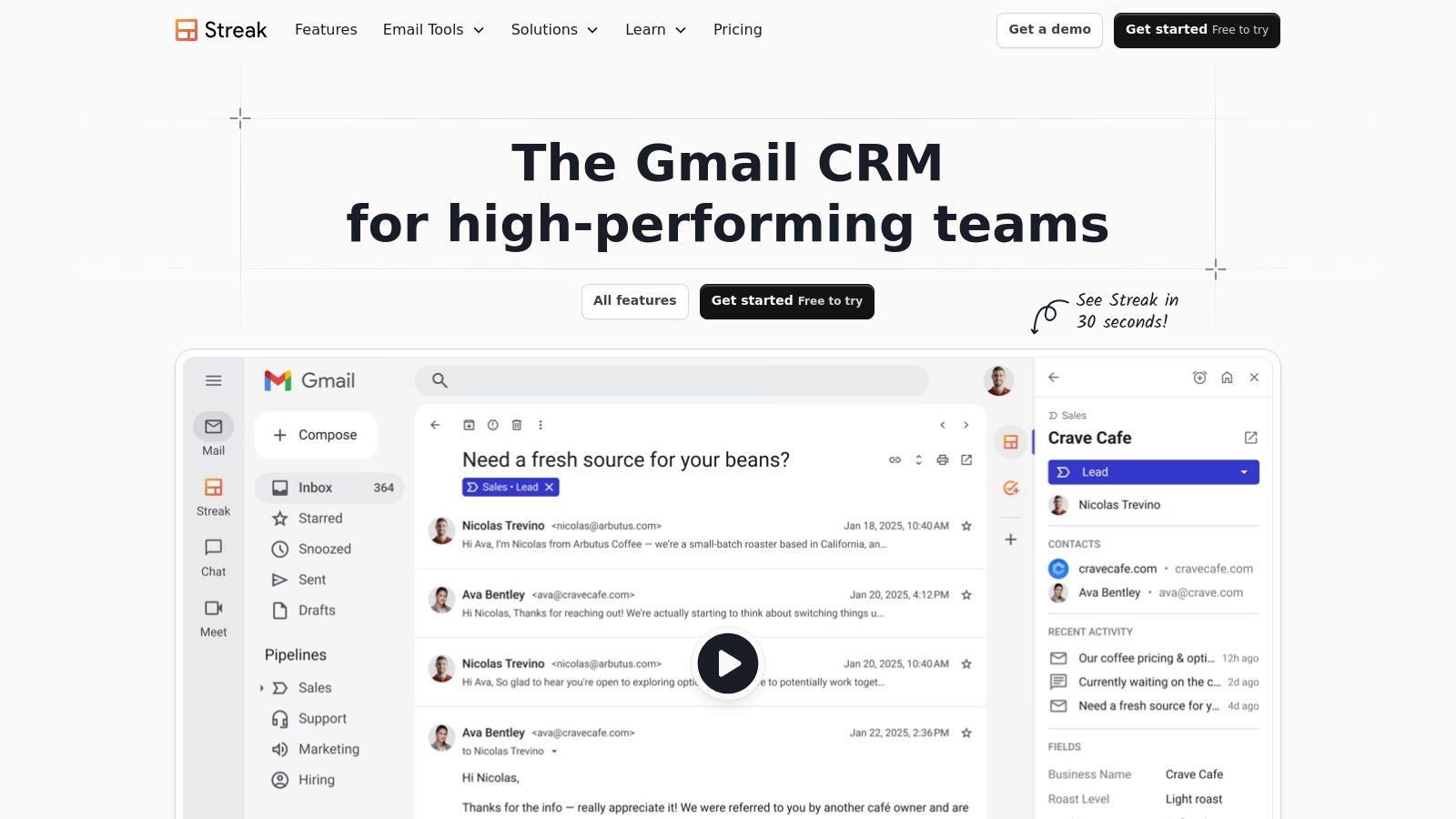
This platform stands out among other Gmail productivity tools by fully integrating CRM functions without forcing you to leave your inbox. It includes mail merge with automated follow-up sequences, shared team pipelines, and email tracking, making it ideal for sales and business development teams. You can also create text snippets to quickly answer common questions.
While its free plan is generous for individual use, growing teams will need paid tiers for advanced features like shared pipelines and deeper reporting. It's a perfect fit for those who want a CRM that feels like a natural extension of Gmail, not a separate piece of software.
Pros & Cons
Pros:
- Seamless Gmail Integration: Manages pipelines and contacts without leaving the inbox, minimizing context switching.
- Generous Free Plan: The free tier includes core CRM features and email power tools for individuals.
- Team Collaboration: Shared pipelines and snippets make it easy to coordinate team efforts.
Cons:
- Gmail-Dependent: Not a standalone CRM, so it isn't a good fit if you need access outside of Gmail.
- Can Slow Gmail: The extension can sometimes add a slight load time to the Gmail interface.
Website: https://www.streak.com
7. Gmelius
Gmelius transforms Gmail into a collaborative workspace, allowing teams to manage shared inboxes, automate workflows, and handle client communications without leaving their familiar email interface. It's built for support, operations, and sales teams that need to work together on emails like support@ or sales@. The platform’s core strength is turning individual inboxes into a central hub for team projects and customer service.
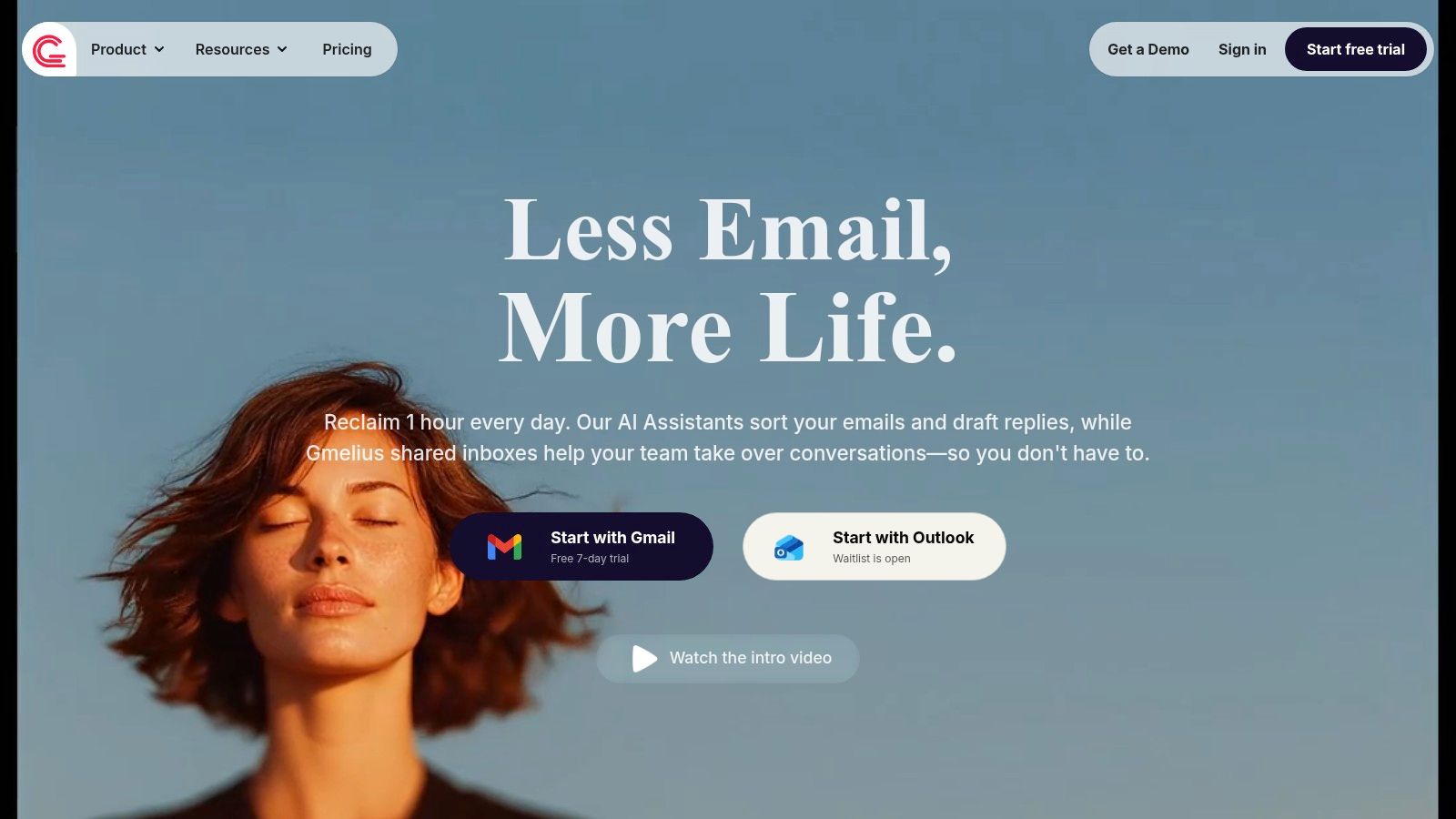
This tool stands apart by keeping everything inside Gmail, which drastically lowers the learning curve for teams already using Google Workspace. Gmelius offers shared labels, email notes for internal discussions, and smart automations for routing and assigning conversations. Recently, it introduced its AI assistant, Meli, which helps draft replies, classify incoming messages, and automatically dispatch them to the right person or team. While usage caps and feature access differ across its pricing tiers (starting from $15/user/month), it provides a powerful set of team-focused gmail productivity tools.
Pros & Cons
Pros:
- Gmail-Native: Operates entirely inside the Gmail interface, making adoption easy for teams.
- Balanced Features: Good mix of collaborative tools (shared inboxes) and automation (rules, AI).
- Team-Oriented: Designed for shared workflows, with clear assignment and tracking features.
Cons:
- Plan Limitations: Usage caps and feature availability vary significantly by pricing tier.
- Complex Setup: Advanced workflows and automation rules can require a dedicated admin to configure properly.
Website: https://gmelius.com
8. Sortd for Gmail
Sortd transforms your Gmail inbox into a dynamic Kanban-style workspace. Instead of letting important messages get buried, it allows you to drag and drop emails as cards onto customizable boards, turning your inbox into an organized project management tool. This is perfect for visually tracking client work, managing sales pipelines, or overseeing hiring processes without ever leaving Gmail. You can organize your work into lists like "To-Do," "In Progress," and "Follow-up," adding due dates and reminders directly to emails.
This platform stands out among other Gmail productivity tools by deeply integrating task management into the email experience. Sortd essentially adds a new layer on top of your existing inbox. It supports shared inboxes and templates, making team collaboration simple for customer support or sales inquiries. Higher-tier plans introduce basic CRM functions and automations, allowing teams to track deals and build simple, repeatable workflows directly from their email client.
While the primary experience is a Chrome extension, a mobile companion app is available, though it's less feature-rich.
Pros & Cons
Pros:
- Visual Workflow: The Kanban board approach is intuitive for treating emails as actionable tasks.
- Centralized Workspace: Keeps email, tasks, and light CRM activities inside Gmail, reducing context switching.
- Team Collaboration: Shared boards and email sharing are great for small teams.
Cons:
- Limited Mobile Functionality: The mobile experience is not as robust as the desktop extension.
- Tiered Feature Access: Key features like automation and full collaboration are restricted to higher-priced plans.
Website: https://www.sortd.com
9. Hiver
Hiver transforms your Gmail interface into a full-featured helpdesk, designed for teams managing shared inboxes like support@ or info@. It allows you to assign emails as tasks, track resolution times with SLAs, and prevent duplicate replies with collision alerts, all without leaving your familiar Gmail environment. The primary goal is to provide customer support, finance, and IT teams that use Google Workspace with a powerful set of tools to manage group communications efficiently.
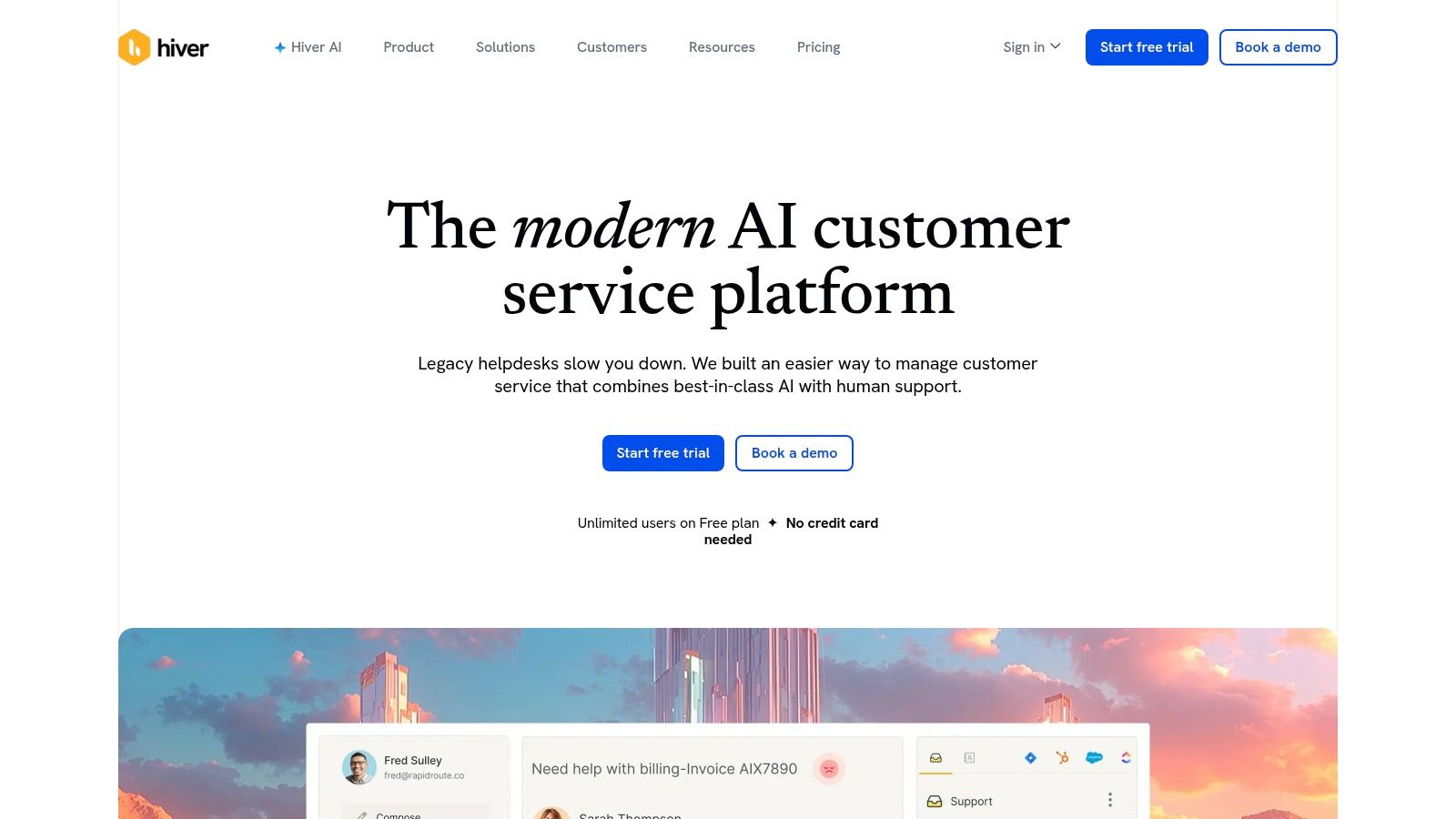
This platform stands out among other Gmail productivity tools by embedding a complete, multi-channel support system directly into the inbox. It goes beyond simple email sharing to include live chat, WhatsApp, and voice integrations. With Hiver, you can create automations for routine tasks, add internal notes to emails for context, and generate detailed analytics on team performance. Higher-tier plans introduce AI for summarizing threads and composing replies, further accelerating workflows for support agents.
While pricing can increase with advanced features, its native Gmail integration makes adoption nearly seamless for teams already standardized on Google.
Pros & Cons
Pros:
- Works within Gmail: Eliminates the need to learn a new platform, easing team adoption.
- Capable Analytics: Provides solid reporting and workflow controls for support teams.
- Multi-Channel Support: Manages email, chat, WhatsApp, and voice from one place.
Cons:
- Tiered Pricing: Advanced analytics and AI features are locked behind more expensive plans.
- Less Customizable: Dedicated external helpdesks may offer more deep customization for complex needs.
Website: https://hiverhq.com
10. SaneBox
SaneBox acts as an intelligent assistant for your existing Gmail account, automatically sorting incoming mail to keep your inbox focused on what matters. It uses AI to learn your email habits and prioritizes important messages, moving distractions like newsletters and low-priority CCs into separate folders like SaneLater and SaneNews. This approach helps you reclaim your attention without forcing you to switch to a new email client or learn complex new workflows.
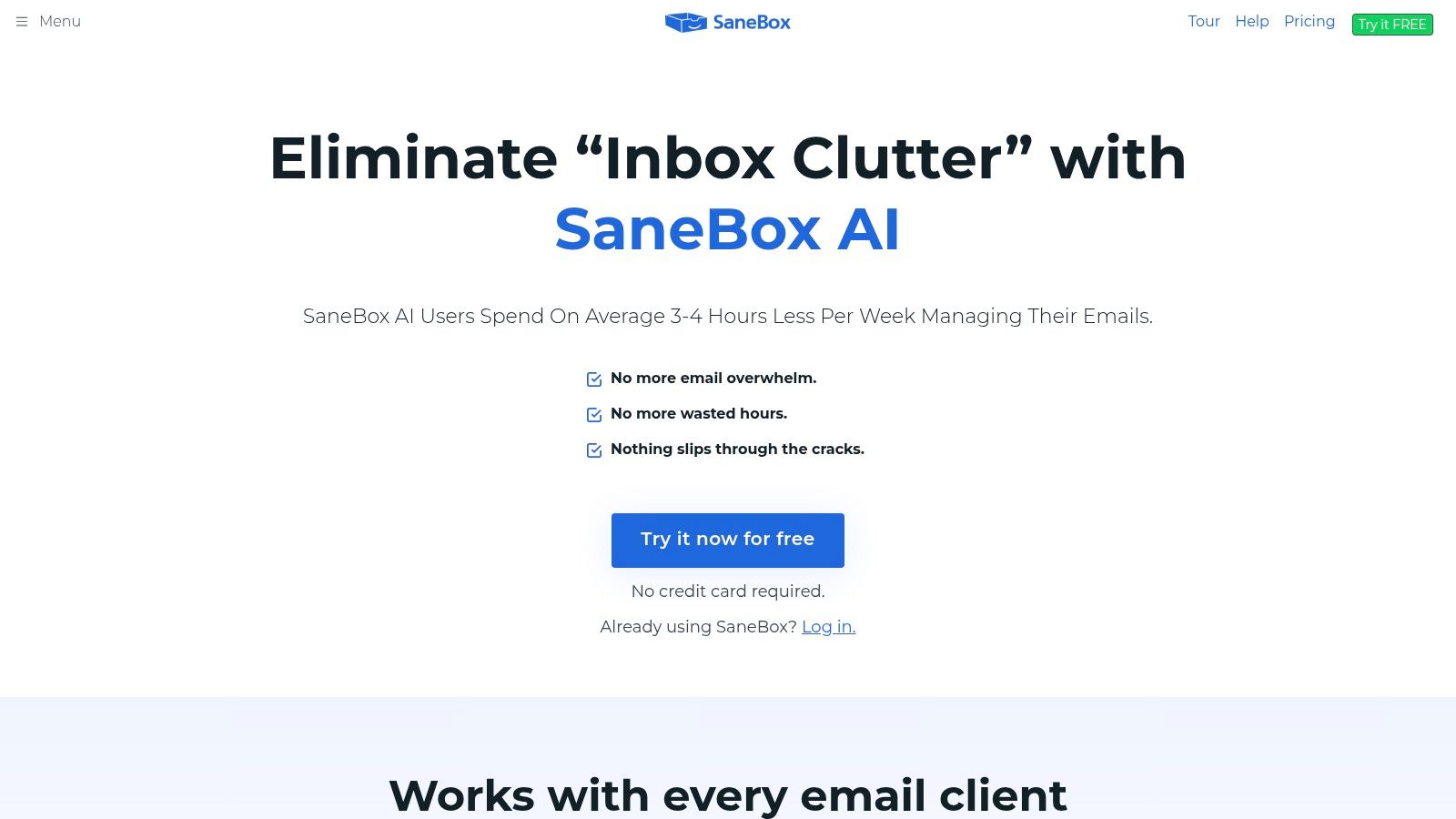
What makes SaneBox a unique entry among Gmail productivity tools is its server-side operation. It works directly with your email account, meaning its benefits apply across any device or app you use to check Gmail. Features like Do Not Disturb mode, which pauses new mail delivery, and SaneReminders, which bring an email back to your inbox if you don't receive a reply, are managed behind the scenes. Its SaneBlackHole folder gives you a one-click unsubscribe for any sender, permanently.
Pricing starts at around $7/month, with different tiers offering more features. It's built for individual productivity rather than team collaboration.
Pros & Cons
Pros:
- Minimal Setup: Automatically starts cleaning your inbox with little user input.
- Client-Agnostic: Works with the native Gmail app or any other email client you prefer.
- Smart Folders: AI-powered sorting is effective at reducing inbox clutter.
Cons:
- Individual Focus: Lacks team-based features like shared inboxes or collaboration.
- Tiered Features: Some of the best features are locked behind higher-priced plans.
Website: https://www.sanebox.com
11. Right Inbox
Right Inbox is a Gmail extension that packs a suite of powerful features directly into your existing inbox. It adds essential functions like send-later, email sequences, and mail merge, making it a strong tool for anyone handling sales, outreach, or client follow-ups without leaving Gmail. Its primary goal is to give you enterprise-level email capabilities, such as email tracking and templates, inside a familiar interface.

This platform stands out as one of the most comprehensive all-in-one Gmail productivity tools, especially for its price point. While some tools specialize in one area, Right Inbox provides a broad toolkit that includes private notes for adding context to conversations, multiple signatures for different professional personas, and recurring emails to automate routine communication. The setup is quick, integrating directly into the Gmail compose window.
While there is a free plan with limits, the paid plans start at around $7.95/month, offering a lot of functionality for a low cost.
Pros & Cons
Pros:
- Broad feature set: Combines tracking, sequences, templates, and more in one extension.
- Accessible Pricing: Affordable plans for individuals and small teams.
- Easy to Use: Integrates directly into the native Gmail interface with minimal setup.
Cons:
- Performance Quirks: Some users report occasional bugs or slowness; it's best to test it before high-stakes sends.
- Can Feel Cluttered: Adding so many buttons to the Gmail UI can be overwhelming for some users.
Website: https://www.rightinbox.com
12. Mailbutler
Mailbutler is a versatile email productivity suite designed for professionals who work across multiple platforms, offering native support for Gmail, Outlook, and Apple Mail. It bundles essential tools like email tracking, scheduling, and follow-up reminders into one package, allowing you to maintain a consistent workflow regardless of your chosen client. Key features include a robust signature generator and a shared template library, which are particularly useful for teams needing to maintain brand consistency.
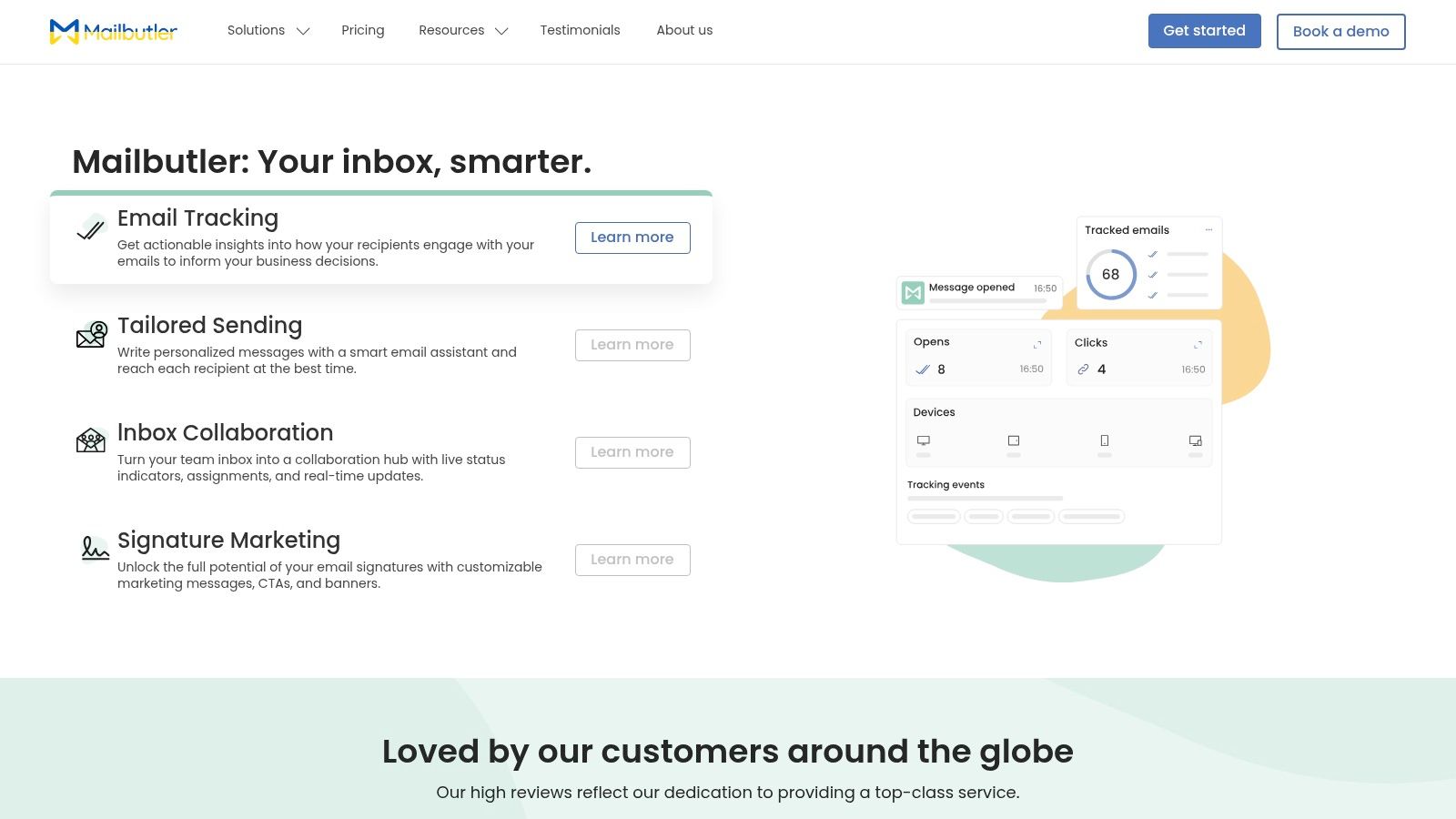
This platform's main advantage over other Gmail productivity tools is its cross-client compatibility. You can create a note or task related to an email in Gmail and access it later in Outlook, which is a rare and powerful capability. Higher-tier plans also incorporate an AI Assistant that helps compose, summarize, and rephrase emails, putting it in line with modern email helpers. While the full feature set is locked behind paid plans, its ability to unify your email process across different environments makes it a strong contender for hybrid-work professionals.
Pros & Cons
Pros:
- Works Across Multiple Clients: Supports Gmail, Outlook, and Apple Mail for a unified experience.
- Rich Signature & Templates: Excellent tools for creating professional signatures and sharing team templates.
- Integrated Tasks & Notes: Attach to-dos and notes directly to emails.
Cons:
- Tiered Feature Access: Core AI and advanced tracking features require more expensive plans.
- Potential Admin Overhead: Can be complex to roll out and manage in teams using mixed clients.
Website: https://www.mailbutler.io
12 Gmail Productivity Tools — Feature Comparison
| Tool | Core features | ✨ Unique selling point | ★ Quality / UX | 👥 Target audience | 💰 Price / Value |
|---|---|---|---|---|---|
| Draftery 🏆 | Gmail auto-drafts; per-recipient style profiles; one-click connect | ✨ Per-recipient voice matching; privacy-first; continuous learning | ★★★★★ — authentic, improves with use | 👥 Founders, consultants, execs, freelancers | 💰 $19/mo (Std), $39/mo (Pro); 7‑day trial; annual −20% |
| Superhuman Mail | Fast Gmail client; keyboard-first triage; AI rewrites | ✨ Extreme speed + opinionated workflows for inbox zero | ★★★★☆ — very fast, steep learning curve | 👥 Founders, executives, sales pros | 💰 Premium tier pricing (higher-end) |
| Shortwave | Gmail client with AI summaries, chat-like threads, AI search | ✨ Inbox summaries + powerful AI search across history | ★★★★☆ — focused on surfacing key messages | 👥 Teams, knowledge workers | 💰 Free tier; Pro features paid |
| Boomerang for Gmail | Send-later, reminders, Inbox Pause, Respondable scoring | ✨ Reliable scheduling & reply-prediction tools | ★★★★☆ — dependable, simple UX | 👥 Individual professionals | 💰 Freemium; paid tiers for advanced features |
| Mixmax | Sequences, templates, scheduling, AI compose, CRM integrations | ✨ Sales engagement + automation inside Gmail | ★★★★☆ — strong for outreach workflows | 👥 Founders, AEs, recruiters, CS | 💰 Tiered; best value with CRM integration |
| Streak CRM for Gmail | Pipelines, mail merge, snippets, tracking in Gmail | ✨ CRM embedded directly in inbox (no context switch) | ★★★★☆ — solid Gmail-native CRM | 👥 Sales/hiring teams using Gmail | 💰 Free tier; paid tiers for automation/analytics |
| Gmelius | Shared inboxes, routing, automation, AI assistants | ✨ Shared inbox + collaboration + AI drafting | ★★★★☆ — good team features, admin tuning needed | 👥 Support, ops, client-service teams | 💰 Tiered plans; usage caps vary by plan |
| Sortd for Gmail | Kanban boards, tasks, reminders, templates | ✨ Visual board for emails-as-tasks | ★★★☆☆ — intuitive boards, limited mobile UX | 👥 Small teams managing projects/clients | 💰 Freemium; Business plan for CRM features |
| Hiver | Shared inbox helpdesk, SLAs, analytics, multi-channel | ✨ Helpdesk workflows inside Gmail with SLAs/CSAT | ★★★★☆ — robust for support teams | 👥 Support, finance/AP, IT teams | 💰 Paid per-seat tiers; scales with features |
| SaneBox | AI prioritization, smart folders, snooze, reminders | ✨ Minimal‑friction inbox triage without changing client | ★★★☆☆ — quick wins, personal-focused | 👥 Individuals overwhelmed by volume | 💰 Paid subscription (tiered) |
| Right Inbox | Send-later, sequences, mail merge, tracking, templates | ✨ Affordable 1:1 outreach tools with easy setup | ★★★☆☆ — broad features; occasional quirks | 👥 Solo sellers, small teams, outreach users | 💰 Accessible pricing; freemium + paid tiers |
| Mailbutler | Cross-client productivity: tracking, templates, AI compose | ✨ Works across Gmail, Outlook, Apple Mail | ★★★☆☆ — good multi-client support; admin overhead | 👥 Users split across multiple mail clients | 💰 Tiered; full feature set requires mid/high tiers |
Making Your Choice: From Tool to Transformation
We've explored a dozen powerful Gmail productivity tools, each designed to tackle a different aspect of inbox management. From AI-powered assistants like Draftery to comprehensive project boards like Sortd, the options can feel overwhelming. The most important takeaway isn't to adopt every tool, but to correctly identify your biggest email-related bottleneck and choose a solution that directly addresses it.
Your inbox doesn't have to be a source of constant stress and distraction. By implementing the right system, you can turn it into a command center for your professional life, a place where work gets done efficiently. The goal is to move from a reactive state, where your inbox dictates your day, to a proactive one, where you control the flow of communication.
How to Select the Right Tool for You
Choosing the best fit requires a bit of self-diagnosis. Don't be swayed by a long feature list; focus on the one or two features that will give you back the most time.
Consider these common scenarios and the tools best suited for them:
- If you spend hours writing and rewriting emails: Your biggest pain point is composition. An AI email assistant like Draftery can drastically cut down this time by generating high-quality, personalized drafts that match your voice.
- If deals and client conversations get lost in email threads: You need a lightweight CRM that lives in your inbox. Tools like Streak CRM or Mixmax help you track sales pipelines and manage client relationships without switching tabs.
- If your team struggles with a shared email address (e.g., support@ or info@): A collaborative inbox tool is essential. Hiver or Gmelius can bring order by assigning emails, tracking response times, and preventing duplicate replies.
- If your main problem is just too much noise: An email filtering service like SaneBox can automatically sort incoming mail, ensuring you only see what's truly important.
Your Action Plan for Implementation
The path from tool selection to genuine productivity improvement is a practical one. Start small and be methodical.
- Identify Your Single Biggest Pain Point: Are you drowning in volume? Is writing your time-sink? Are follow-ups falling through the cracks? Be specific.
- Select One Tool: Based on your diagnosis, pick the single tool from this list that most directly solves your problem.
- Commit to a Trial Period: Nearly every tool offers a free trial. Use it fully for at least one week. Integrate it into your daily workflow and resist the urge to fall back on old habits.
- Measure the Impact: At the end of the week, ask yourself: Did I save time? Was I less stressed? Did I communicate more effectively? If the answer is yes, you've found a winner.
The right Gmail productivity tools don't just add features; they change behaviors and build better habits. By making a thoughtful choice, you can finally reclaim your focus and make your inbox work for you, not the other way around.
Ready to stop typing and start replying? Draftery is the AI email assistant designed for busy professionals who value authentic communication. It learns your unique style to draft personalized, high-quality emails in seconds, helping you clear your inbox faster than ever. Try Draftery today and experience a more productive relationship with your email.