The 12 Best AI Email Response Generator Tools of 2026 (Full Review)
Drowning in your inbox? The constant flow of emails demanding immediate, thoughtful replies can quickly consume your most productive hours. Crafting the perfect response for every message, from a simple client follow-up to a complex project update, is a significant time investment. This is where an AI email response generator becomes a critical tool for busy professionals. These platforms help you clear your inbox faster, maintain a consistent and professional tone, and reclaim your focus for more important tasks.
This guide gets straight to the point. We've done the research to bring you a detailed comparison of the best AI email response generator tools available today. You won't find vague descriptions or marketing fluff here. Instead, you'll get a practical breakdown of each option, helping you decide which one fits your specific needs, whether you're in sales, customer support, or managing a business.
Inside, you will find:
- Detailed reviews of 12 top-tier tools, including standalone apps like Draftery and integrated features like Gmail's "Help me write" and Microsoft Copilot in Outlook.
- Real output examples and screenshots to show you exactly how each tool works.
- Clear pros and cons, pricing information, and honest assessments of their limitations.
- Specific recommendations for different roles, from solo founders to enterprise support teams.
Our goal is to give you a clear, side-by-side view, complete with direct links, so you can quickly choose the right tool and start saving time immediately. Let's find the best AI email assistant for you.
1. Draftery
Draftery stands out as the best AI email response generator for professionals who value authenticity and efficiency. It is engineered to master one specific, high-impact task: drafting email replies in your exact voice, adapted for each specific recipient. After a simple, one-click Gmail integration, Draftery analyzes your sent mail to learn your unique communication style, from formality and phrasing to your typical greetings and even emoji usage.
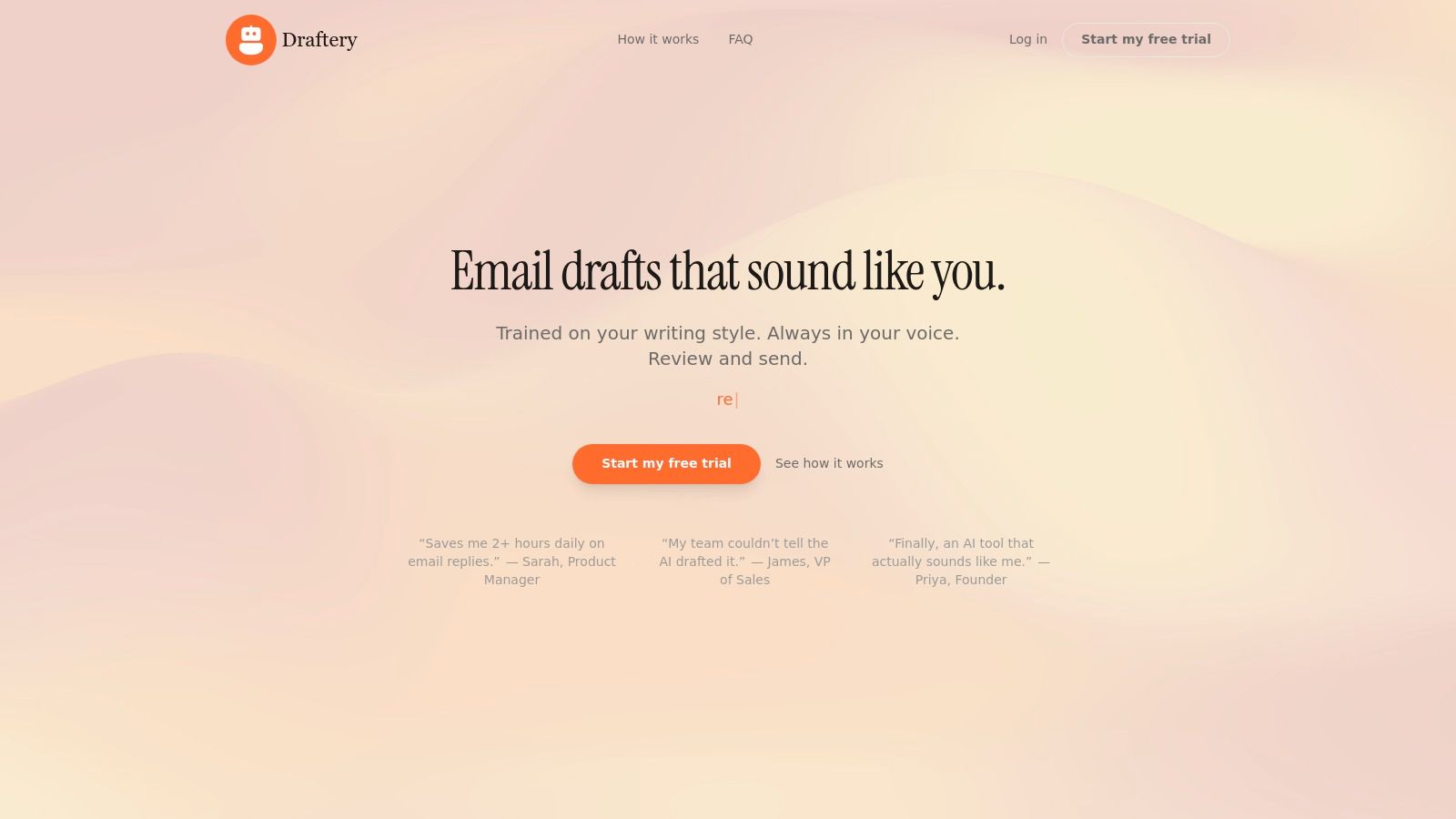
Unlike generic tools, its core strength is the per-recipient voice matching. The AI builds distinct profiles for your contacts, ensuring the draft for your CEO has a different tone than a message to a direct report or a client. New emails trigger a fully composed reply that appears in your Gmail Drafts folder, often before you even open the thread. This workflow shifts your role from composer to editor, saving significant time.
“My team couldn’t tell the AI drafted it.” This common feedback highlights Draftery's primary goal: to generate replies that are indistinguishable from those you would have written yourself, preserving your personal brand and relationships.
Key Features & Analysis
Draftery’s feature set is tightly focused on creating high-quality, personalized drafts with minimal user effort.
- Per-Recipient Voice Matching: This is Draftery's signature feature. It moves beyond a single "professional" or "casual" tone setting by learning how you interact with different people. This is ideal for consultants, executives, and sales professionals who manage diverse relationships.
- Proactive Draft Generation: The tool doesn't wait for a command. It automatically prepares a draft for incoming messages, placing it directly in your Gmail Drafts. This proactive approach fundamentally changes your email workflow from writing to reviewing.
- Privacy-First Architecture: Draftery operates with read-only Gmail access and never sends, deletes, or modifies your emails. It is GDPR compliant, uses SOC 2 certified servers, and encrypts all data at rest and in transit, addressing key security concerns for businesses and individuals.
- Continuous Learning Loop: The AI improves over time. Every draft you send, edit, or ignore serves as feedback, refining its understanding of your voice and preferences.
Pricing and Availability
Draftery offers a straightforward pricing model with a risk-free trial.
| Plan | Monthly Price | Key Feature | Best For |
|---|---|---|---|
| Standard | $19/month | Core voice-matching and draft generation | Individuals and freelancers |
| Pro | $39/month | Advanced features for high-volume users | Executives, founders, and teams |
A 7-day free trial is available without requiring a credit card. Opting for an annual plan provides a 20% discount. Currently, Draftery is available exclusively for Gmail.
Pros:
- Adapts tone specifically for each recipient.
- Saves time by placing ready-to-send drafts directly in Gmail.
- Strong privacy and security compliance (GDPR, SOC 2).
- Improves its accuracy with continued use.
Cons:
- Only available for Gmail users.
- Requires some usage history to achieve optimal voice matching.
Website: https://draftery.ai
2. Gmail "Help me write" and Suggested Replies (Gemini in Gmail)
For those deeply integrated into the Google ecosystem, the most effective best ai email response generator might already be built into their inbox. Google's "Help me write," powered by Gemini, offers a frictionless way to draft and refine emails directly within the Gmail interface. This native tool eliminates the need for external software or browser extensions, providing contextual assistance based on the email thread you are working in.

Its primary strength is its simplicity. With a single click, you can generate a full draft, shorten an existing one, or adjust its tone to be more formal or casual. The "Suggested replies" feature also provides quick, one-tap responses for fast-moving conversations, making it ideal for busy professionals who need to clear their inbox efficiently.
Key Features and Use Cases
- Context-Aware Drafting: The AI analyzes the current email thread to propose relevant and coherent replies.
- One-Click Polishing: Instantly refine your draft's tone, clarity, and length without leaving the compose window.
- Seamless Integration: As a native feature, it benefits from Google's robust security and compliance standards, a major plus for enterprise users.
- Best for: Professionals and teams already using Google Workspace who value speed and convenience over deep personalization. It’s an excellent starting point for exploring how AI can improve email productivity. For a deeper dive into how different tools approach this, you can find more information about the capabilities of an AI email response generator on our blog.
Pros:
- Zero setup or additional cost for eligible Gmail and Workspace users.
- Backed by Google’s enterprise-grade security.
Cons:
- Availability is still rolling out and varies by plan.
- Less granular control over personal writing style compared to specialized tools.
Website: https://workspace.google.com/products/gmail/
3. Microsoft Copilot in Outlook
For organizations heavily invested in the Microsoft 365 ecosystem, the best ai email response generator is the one built directly into their daily workflow. Microsoft Copilot in Outlook provides powerful, context-aware assistance by integrating with your email, calendar, and other Microsoft 365 data. This native tool eliminates the friction of third-party apps, offering a secure and cohesive experience.
Copilot's main advantage is its deep connection to your professional data. It can draft a reply that not only addresses the email's content but also references your availability on your calendar. With features like "Catch up," it summarizes long email threads, and with a single command, you can adjust a draft's tone or length, making it a powerful ally for professionals managing a high volume of communications.
Key Features and Use Cases
- Contextual Drafting: Copilot grounds its reply suggestions in the current message thread and your calendar data for highly relevant responses.
- Thread Summarization: The "Catch up" feature provides a quick, digestible summary of long and complex email chains, saving valuable time.
- Enterprise-Grade Governance: As an integrated part of Microsoft 365, it inherits existing security, compliance, and privacy policies, which is a critical benefit for regulated industries.
- Best for: Companies and teams committed to the Microsoft 365 suite who need an AI assistant with strong governance and data integration. It is ideal for streamlining internal coordination and client communication.
Pros:
- Seamless integration with Outlook, Calendar, and other Microsoft 365 apps.
- Benefits from enterprise-level security and administrative controls.
Cons:
- Requires a specific Microsoft 365 Copilot license, which is an additional cost.
- Drafts may require user input and refinement to avoid sounding generic.
Website: https://www.microsoft.com/en-us/microsoft-365/copilot
4. Superhuman (with AI "Instant Reply")
For high-velocity professionals who treat their inbox like a command center, Superhuman offers a premium, speed-focused experience. More than just an add-on, it’s a complete email client where the best ai email response generator is built directly into an ultra-fast, keyboard-driven workflow. Its "Instant Reply" feature uses the context of an email thread to generate drafts in a single keystroke.

The platform is designed for power users who want to triage hundreds of emails with maximum efficiency. Unlike browser extensions, Superhuman replaces the standard Gmail interface with its own, embedding AI rewrite, summarization, and tone-shifting tools directly into the composition flow. This cohesive approach makes it a powerful choice for those willing to commit to a new email system for significant productivity gains.
Key Features and Use Cases
- Instant AI Reply: Generate contextual replies instantly with a keyboard shortcut, ideal for rapid responses.
- Keyboard-First Workflow: Navigate your entire inbox, from snoozing emails to sending replies, without touching your mouse.
- Integrated AI Toolkit: Includes AI-powered rewrite, shorten/expand functions, and tone adjustments within the composer.
- Best for: Executives, sales professionals, and founders who process a high volume of email and value speed above all else. Its premium price point is justified by its ability to save users hours each week. To understand how this integrated approach differs from other methods, you can explore the distinctions between an AI email writer vs. templates on our blog.
Pros:
- Exceptionally fast user experience designed for email power users.
- AI features are seamlessly embedded within a productivity-first client.
Cons:
- Requires a full switch to the Superhuman client, leaving the native Gmail UI behind.
- Premium pricing makes it one of the more expensive options available.
Website: https://superhuman.com
5. Shortwave (AI Assistant + Ghostwriter)
For those seeking an AI-powered email experience that completely replaces the standard Gmail interface, Shortwave presents a compelling option. It acts as a dedicated email client built on top of your Gmail account, focusing on productivity and intelligent features. Its approach to being the best ai email response generator centers on deep integration and personalization, making AI a core part of the workflow, not just an add-on.
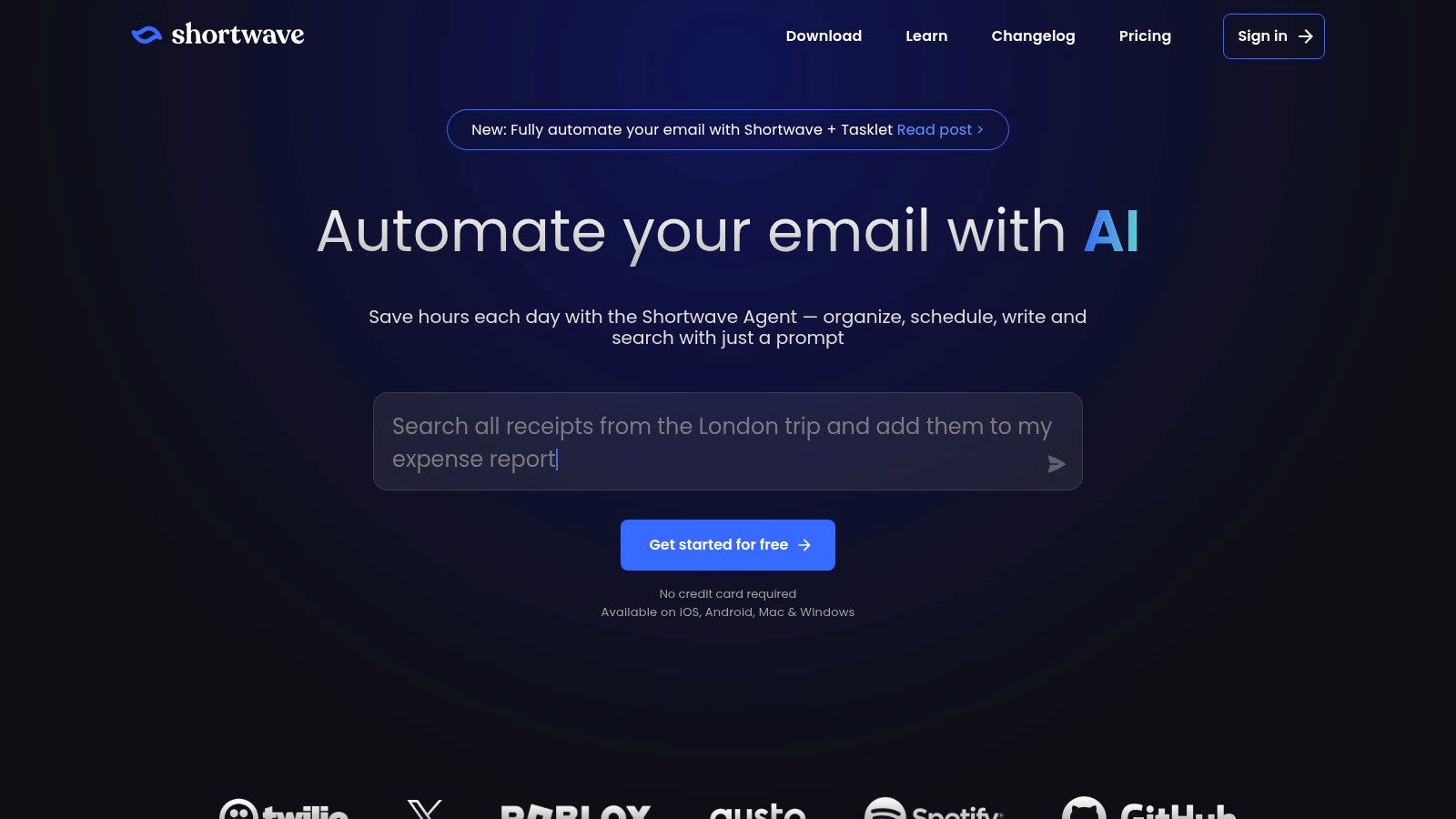
The platform’s standout "Ghostwriter" feature analyzes your previously sent emails to learn your unique writing style, tone, and vocabulary. This allows it to generate replies that sound genuinely like you, moving beyond simple formal or casual adjustments. With inline AI assistance, you can generate context-aware replies directly in the compose window, making for a very smooth and efficient process.
Key Features and Use Cases
- "Ghostwriter" Style Learning: The AI studies your sent mail history to create a personal writing model for truly authentic drafts.
- Inline Instant AI Replies: Generate responses directly within the email composer based on the conversation's context.
- AI-Powered Triage: Shortwave uses AI to summarize long threads and helps you use natural language to sort, snooze, or archive messages, speeding up inbox management.
- Best for: Gmail power users who want a new, AI-first client experience and value highly personalized, style-matched email generation. It’s ideal for founders and consultants who must maintain a consistent personal brand in their communications.
Pros:
- Excellent replacement for the native Gmail client with strong AI capabilities.
- Style learning provides more authentic and personalized drafts than generic tone settings.
Cons:
- Requires you to adopt a new email client instead of using the familiar Gmail interface.
- Advanced AI features and usage limits are tied to paid subscription plans.
Website: https://www.shortwave.com
6. Front (Front AI: Copilot/Compose)
For teams managing customer communication at scale, Front offers a shared inbox platform with a powerful AI layer. Front AI, which includes features like Copilot and Compose, is not just a personal productivity tool but a collaborative one. It's designed for support, success, and account management teams to deliver consistent, high-quality responses faster. This makes it a strong contender for the best ai email response generator within a team-based workflow.

The platform’s main advantage is its focus on team collaboration. The AI Copilot can auto-draft replies for agents, pulling context from the shared inbox and customer history. This helps maintain a unified brand voice and ensures new team members can get up to speed quickly. It combines omnichannel messaging from email, SMS, and social media with robust team workflows and analytics.
Key Features and Use Cases
- AI Copilot for Agents: Automatically generates suggested replies for agents, reducing response times and improving consistency across the team.
- Omnichannel Shared Inbox: Consolidates all customer conversations (email, SMS, social) into one place, giving the AI complete context.
- Team Workflows and Analytics: Includes shared drafts, service-level agreement (SLA) tracking, and analytics to monitor team performance and customer satisfaction.
- Best for: Customer support and success teams that need a unified platform to manage high volumes of communication. It excels at creating a consistent customer experience across all touchpoints.
Pros:
- Excellent for team workflows, with shared drafts and analytics.
- Clear AI add-on pricing and plan tiers for predictable costs.
Cons:
- Overkill and too expensive for solo users or very small teams.
- AI features are an add-on, which increases the per-seat cost.
Website: https://front.com/pricing
7. Missive (AI Assist with your own model key)
Missive is a collaborative team inbox that integrates AI features with a unique emphasis on data privacy and control. Instead of relying on a built-in proprietary model, Missive allows teams to connect their own OpenAI, Anthropic, or Gemini API keys. This makes it an excellent best ai email response generator for organizations that need to maintain strict control over their data while still getting the benefits of AI-powered drafting and summarization.

Its core strength is combining powerful team collaboration features like shared inboxes, assignments, and internal chat with flexible AI actions. You can generate replies, summarize long threads, or translate text, all while your data is processed through your own trusted AI provider. This approach offers a great balance between advanced functionality and corporate governance.
Key Features and Use Cases
- Bring Your Own AI Key: Connect your company's OpenAI, Anthropic, or Gemini account to control data flow and costs directly.
- Collaborative AI Actions: Use AI to generate replies, summarize threads, or fix grammar within a shared team inbox, ensuring everyone is on the same page.
- Canned Responses with AI: Create a library of team templates and use AI to tailor them to specific conversations, saving time without sacrificing personalization.
- Best for: Security-conscious teams and businesses that want to use AI for email but need to manage data privacy through their own API keys. It’s ideal for support, sales, and operations teams working in a shared inbox environment.
Pros:
- Excellent data privacy and control by using your own AI provider.
- Strong team collaboration tools are integrated directly with AI features.
Cons:
- Requires you to provide and manage your own AI model API key.
- The platform has a learning curve due to its extensive features.
Website: https://missiveapp.com
8. Compose AI (Chrome extension)
For users seeking a flexible solution that isn't tied to a single email provider, Compose AI offers a lightweight browser extension that brings AI writing assistance to various web platforms. As a best ai email response generator, it excels at adding reply drafting and text refinement capabilities directly into the text boxes of Gmail, Outlook web, and other sites. This approach avoids the need to switch email clients or learn a new interface, providing AI tools exactly where you type.

Its core advantage is its low-friction setup. Once installed, the extension provides context-aware suggestions, rewrite tools, and tone adjustments on demand. This makes it a great choice for individuals or small teams who want to try AI email assistance with minimal commitment. The usage-based plans with monthly credits also offer a predictable cost structure.
Key Features and Use Cases
- Context-Aware Replies: Generates responses by analyzing the content within web-based text boxes, making it adaptable to Gmail, Outlook, and more.
- Text Refinement Tools: Easily rewrite, shorten, expand, or change the tone of your text with a few clicks.
- Broad Compatibility: Works across many websites, not just email, extending its usefulness to social media, project management tools, and more.
- Best for: Freelancers and professionals who use multiple web-based communication tools and want a single AI assistant that works across them all. It's a practical choice for adding powerful reply generation without changing your existing workflow.
Pros:
- Fast to install and try with a low-friction user experience.
- Adds reply generation and writing assistance without changing your email client.
- Works across a wide variety of websites.
Cons:
- The browser extension interface is less integrated than a native email client feature.
- Enterprise-level controls and security features are lighter compared to native suites like Google Workspace or Microsoft 365.
Website: https://www.compose.ai/
9. Ellie – Your AI Email Assistant (browser extension)
For solo professionals and small teams, Ellie offers a focused and effective approach as one of the best ai email response generator options. It operates as a simple browser extension for Chrome and Firefox, integrating directly into popular webmail clients like Gmail, Outlook, and Fastmail. This design allows users to generate context-aware replies without ever leaving their inbox.

Ellie's main appeal is its simplicity and directness. Rather than offering complex personalization features, it relies on clear, one-time instruction prompts to guide its responses. You can tell it to "politely decline" or "ask for more details," and it will generate a fitting reply based on the email's content. This makes it an excellent tool for those who need quick, reliable drafts without a steep learning curve.
Key Features and Use Cases
- Direct Inbox Integration: Works as a browser extension, adding a reply generation button right inside your Gmail or Outlook web interface.
- Instruction-Based Generation: Guide the AI with simple prompts to control the intent and tone of your response.
- Consistent AI Quality: All pricing plans use the same high-quality language model, ensuring great results even on the free tier.
- Best for: Freelancers, consultants, and solo founders who need a straightforward way to manage high email volumes efficiently. If you're exploring different types of assistants, you can learn more about finding the best AI email assistant for your specific needs on our blog.
Pros:
- Minimal setup and intuitive to use.
- Works within the email clients users are already familiar with.
Cons:
- Lacks advanced enterprise features like team-wide voice controls.
- Personalization is done manually through prompts for each reply.
Website: https://ellieai.com
10. SuperReply (Chrome extension for Gmail and Outlook web)
For users who prioritize speed and simplicity above all else, SuperReply presents itself as one of the best ai email response generator options available as a browser extension. It integrates directly into the Gmail and Outlook web interfaces, focusing on a "reply-first" workflow. This approach is designed to eliminate extra steps, providing multiple AI-generated reply options with just a single click.
SuperReply's core strength is its immediacy. Instead of requiring you to write a prompt, it analyzes the incoming email and instantly suggests several responses, each with a different tone (e.g., formal, casual, appreciative). This makes it exceptionally useful for clearing an inbox filled with routine correspondence, where quick acknowledgments or simple answers are needed without much thought.
Key Features and Use Cases
- One-Click Reply Suggestions: Generates several complete, tone-matched replies directly within the email client, allowing for instant selection.
- Browser-Based Integration: Works as a Chrome extension for Gmail and Outlook on the web, requiring minimal setup.
- Privacy-Focused: The platform states that it does not store email data and operates using secure AI models, addressing a key concern for many users.
- Best for: Individuals and small teams who need to process high volumes of email quickly and value preset options over deep customization. It's ideal for fast-paced roles where response time is critical.
Pros:
- Extremely simple and fast with a minimal learning curve.
- Works within the familiar Gmail and Outlook web environments.
Cons:
- As an extension, it offers limited administrative or governance features for larger teams.
- Pricing information is primarily found on the Chrome Web Store listing, which can be less transparent.
Website: https://superreply.co
11. ChatGPT Writer (Chrome extension; supports GPT‑4.1, Claude, Gemini)
For users who want flexibility beyond a single ecosystem, ChatGPT Writer offers a powerful, model-agnostic approach. As a browser extension, it functions as a best ai email response generator not just within Gmail but across any website where you type. Its standout feature is its ability to connect with multiple leading AI models, including GPT-4.1, Claude, and Gemini, giving you control over the engine that powers your responses.

The extension cleverly integrates a "Generate Reply" button directly into the Gmail interface, reading the thread context to produce tailored replies. This combination of deep email integration and broad web accessibility makes it a versatile tool for professionals who need consistent AI assistance everywhere they work, from composing emails to drafting posts on social media.
Key Features and Use Cases
- Multi-Model Support: Choose your preferred AI model (GPT-4.1, Claude, Gemini) for generating text, allowing you to select the best one for a specific task.
- Contextual Gmail Integration: Adds a button to Gmail's reply box that reads the email conversation to generate a relevant, high-quality response.
- Web-Wide Functionality: Use its features to rewrite, translate, or shorten text on almost any website, not just your email client.
- Best for: Tech-savvy users and solopreneurs who value flexibility and want to use the same AI tool for email and other web-based writing tasks. It’s ideal for those who already have accounts with different AI model providers.
Pros:
- Highly flexible; not locked into a single AI model or platform.
- Useful anywhere you type text in your browser.
Cons:
- Enterprise governance and security controls are limited as it is a browser extension.
- Relies on browser permissions and access to your separate AI model accounts.
Website: https://chatgptwriter.ai
12. Hypertype
Hypertype transforms email responses for business teams by creating a central knowledge base, or 'Hyperbrain.' This tool stands out as a strong candidate for the best ai email response generator for organizations that prioritize accuracy. It unifies company knowledge from various sources like internal documents, past emails, and CRM data to craft replies that are not just fast but also contextually rich and factually grounded.

This approach is particularly effective for sales and support teams that need to provide consistent and verifiable answers. By drawing from a single source of truth, Hypertype ensures that every team member communicates with one voice, reducing errors and the need for back-and-forth clarification with customers.
Key Features and Use Cases
- Central 'Hyperbrain': Unifies knowledge sources (docs, CRM, emails) to create a single source of truth for the AI.
- Knowledge-Grounded Replies: Generates responses based on verified company data, ensuring high accuracy and relevance.
- Workflow Integrations: Works as a browser extension, fitting directly into existing email and support workflows.
- Best for: Customer support and sales teams that require consistent, accurate, and referenceable information in their email communications. It is ideal for organizations looking to standardize their external messaging.
Pros:
- Significantly increases response accuracy by using internal knowledge.
- Promotes consistency across team members' communications.
Cons:
- Requires an initial setup phase to connect and sync data sources.
- The value and pricing tiers are dependent on the volume of data connected.
Website: https://www.hypertype.ai
Top 12 AI Email Response Generators — Feature Comparison
| Product | Core features | Unique selling points (✨) | UX / Quality (★) | Target audience (👥) | Price / Value (💰) |
|---|---|---|---|---|---|
| Draftery 🏆 | Auto-drafts into Gmail Drafts; learns sent history; per-recipient profiles | ✨ Per-recipient voice matching; privacy-first (GDPR, SOC2); feedback loop | ★★★★☆ (high-fidelity, improves with use) | 👥 Founders, consultants, execs, freelancers, high-volume senders | 💰 $19/mo (Std), $39/mo (Pro); 7‑day free trial; annual −20% |
| Gmail "Help me write" & Suggested Replies | In‑Gmail draft/polish, translations, suggested replies | ✨ Native Gmail/Workspace context & Docs/Drive integration | ★★★☆☆ (convenient, improving) | 👥 Gmail/Workspace users & enterprises | 💰 Included/varies by Workspace plan |
| Microsoft Copilot (Outlook) | Reply drafts, tone control, thread summaries, calendar context | ✨ Deep M365 integration & enterprise governance | ★★★☆☆ (enterprise-grade, can feel generic) | 👥 Microsoft 365 organizations, enterprises | 💰 License-dependent (M365 tiers) |
| Superhuman (Instant Reply) | Instant AI replies, rewrite/summary, keyboard-driven triage | ✨ Ultra-fast UX for power users | ★★★★☆ (very fast, premium) | 👥 Power users, high-velocity professionals | 💰 Premium subscription (higher tier) |
| Shortwave (Ghostwriter) | Gmail-compatible client, Ghostwriter style learning, summaries | ✨ Style learning from sent mail inside alternative client | ★★★☆☆ (AI-first client experience) | 👥 Users wanting an AI-first Gmail replacement | 💰 Paid tiers; feature-dependent |
| Front (Front AI) | Shared inbox, AI Copilot, omnichannel, templates & analytics | ✨ Team workflows, SLAs, CSAT analytics at scale | ★★★★☆ (team-focused, consistent) | 👥 Support, customer success, account teams | 💰 Per-seat + AI add-ons (enterprise pricing) |
| Missive (with own model key) | Collaborative email & chat, AI actions, canned responses | ✨ Use your own AI key for data control & privacy | ★★★☆☆ (collaboration-rich) | 👥 Teams needing data control & shared inboxes | 💰 Paid plans; + cost for external AI usage |
| Compose AI (ext.) | Browser extension: replies, rewrite, tone/length controls | ✨ Low-friction, works across web apps (Gmail, Outlook web) | ★★★☆☆ (lightweight, easy trial) | 👥 Users wanting quick extension-based help | 💰 Usage-based plans / monthly credits |
| Ellie (ext.) | Extension replies in Gmail/Outlook web; instruction prompts | ✨ Simple one-click replies with prompt guidance | ★★★☆☆ (focused & minimal setup) | 👥 Solo professionals staying in native inbox | 💰 Paid with straightforward pricing |
| SuperReply (ext.) | One-click AI replies with multiple tone options | ✨ Preset tone-matched reply choices fast | ★★★☆☆ (very simple UX) | 👥 Users who want quick preset replies | 💰 Small subscription; pricing varies |
| ChatGPT Writer (ext.) | Generate/rewrite replies; supports GPT‑4.1, Claude, Gemini | ✨ Multi-model support & cross-site use | ★★★☆☆ (flexible, depends on connected models) | 👥 Users needing model choice across sites | 💰 Freemium / credits; model costs vary |
| Hypertype | Builds central "Hyperbrain" from docs, emails, CRM for replies | ✨ Knowledge‑grounded replies for accuracy & references | ★★★★☆ (accurate for teams with setup) | 👥 Sales, support, knowledge-heavy teams | 💰 Enterprise pricing; depends on data volume |
Final Thoughts
We've explored a wide range of tools designed to help you manage your inbox more effectively, from powerful integrated assistants like Microsoft Copilot and Gmail's native AI to specialized browser extensions and full-featured email clients. The central takeaway is clear: the right AI email response generator isn't a single "best" tool for everyone. Instead, it’s about finding the one that fits perfectly into your existing workflow and addresses your specific communication challenges.
Your choice ultimately depends on your role, your priorities, and the ecosystem you work in. A sales professional will have different needs than a customer support specialist, just as a solopreneur's requirements will differ from those of a large enterprise team.
How to Choose Your AI Email Assistant
Making the right decision starts with a clear understanding of your daily email grind. As you reflect on the options we've covered, from dedicated platforms like Front to nimble extensions like Compose AI, ask yourself a few key questions:
Integration vs. Independence: Do you need a tool that lives directly inside your current email client (like Copilot in Outlook or Gemini in Gmail)? Or would a standalone extension that works across different web platforms be more useful? Deep integration often provides a smoother experience, while independent tools offer greater flexibility.
Customization and Tone: How important is it for the AI to sound exactly like you? Tools like Draftery and Ellie excel at learning and maintaining your unique writing style. Others offer predefined tones that are great for quick, standardized replies but may lack that personal touch.
Volume and Use Case: Are you dealing with hundreds of customer support tickets, or are you trying to craft a few perfect sales outreach emails each day? High-volume support teams might gravitate toward a system like Front or Missive, which are built for collaboration. Executives and consultants may prefer a tool focused on perfecting individual, high-stakes communication.
Privacy and Data Security: Where does your email data go? Some tools process your information on their servers, while others, like Missive with a self-hosted model, offer more control. Always review a tool's privacy policy, especially if you handle sensitive client or company information.
Putting Your Tool to Work
Once you've selected a potential AI email response generator, the real work begins. Don't just turn it on and expect magic. The most successful users take a deliberate approach to implementation.
Start by testing your chosen tool on low-stakes emails. Use it to reply to internal newsletters, confirm meeting times, or answer simple questions. This gives you a feel for its accuracy and tone without risking an important client relationship. Pay close attention to its suggestions and edit them heavily at first. The goal isn't just to accept the AI's output but to teach it what you want.
Remember, these tools are assistants, not replacements. The most effective strategy is to treat your AI as a first-draft writer. It lays the foundation, and you provide the final polish, context, and human insight that truly make the message effective.
The journey to reclaiming your time from your inbox is an iterative process. What works today might need adjustment as your needs evolve or as new AI capabilities emerge. By starting with a clear understanding of your needs and a willingness to experiment, you can find the best AI email response generator to act as a true partner in your daily communications, freeing you up to focus on the work that matters most.
Ready to see how a purpose-built AI can learn your personal style and save you hours? Draftery is designed to do just that. Instead of generic replies, it analyzes your writing to generate responses that are authentically yours. Sign up for a free trial of Draftery today and transform your inbox from a burden into a managed asset.


